Validation XML
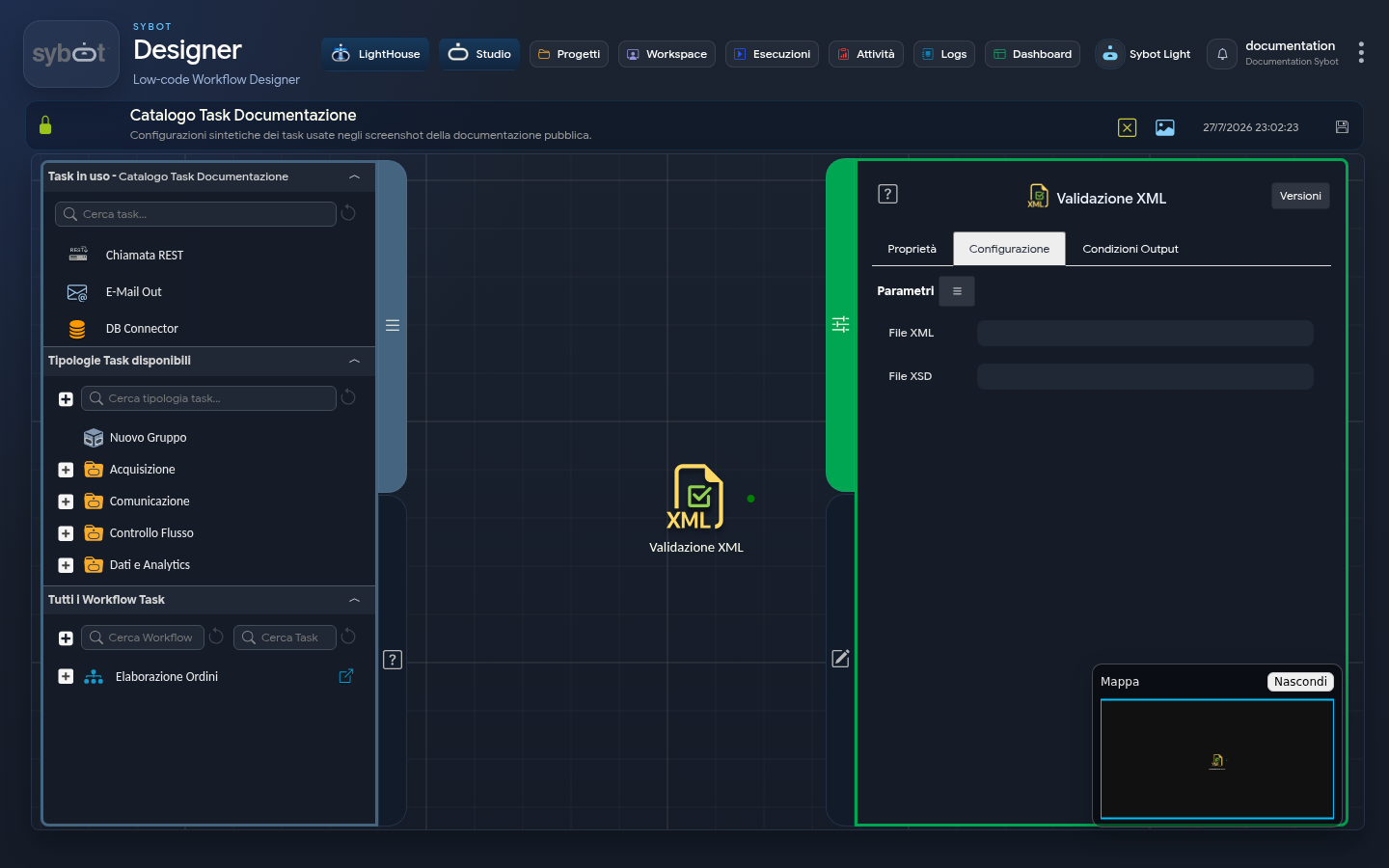
The XML Validation task allows you to verify the formal correctness of an XML file against an XSD definition schema.
Configuration
To perform the validation, you need to specify the following files:
- XML File: This field must specify the XML file to be validated. You can select a parameter of type File previously defined in the Parameters and Variables of the Workflow or enter the full (absolute) path to the file manually.
- XSD File: Here you must specify the XSD schema file (
XML Schema Definition) that defines the structure and rules that the XML file must conform to. You can also select a parameter of type File or enter the absolute path manually.
Validation Process
Once both files are configured, the application will compare the structure and data of the XML file with the definitions contained in the XSD file to determine its validity.
Output Parameters
Upon completion of the execution, the task makes the following Output Parameters available, which can be used as input to subsequent tasks in the Workflow.
- result: indicates the outcome of the sending operation (e.g., "The XML document is valid" or "The XML document is not valid").
- resultJson: represents the result of the task execution in JSON format, including general information, configurations, and execution details.