Task versioning
The Versions button in the task panel opens the history of saved configurations for that instance.
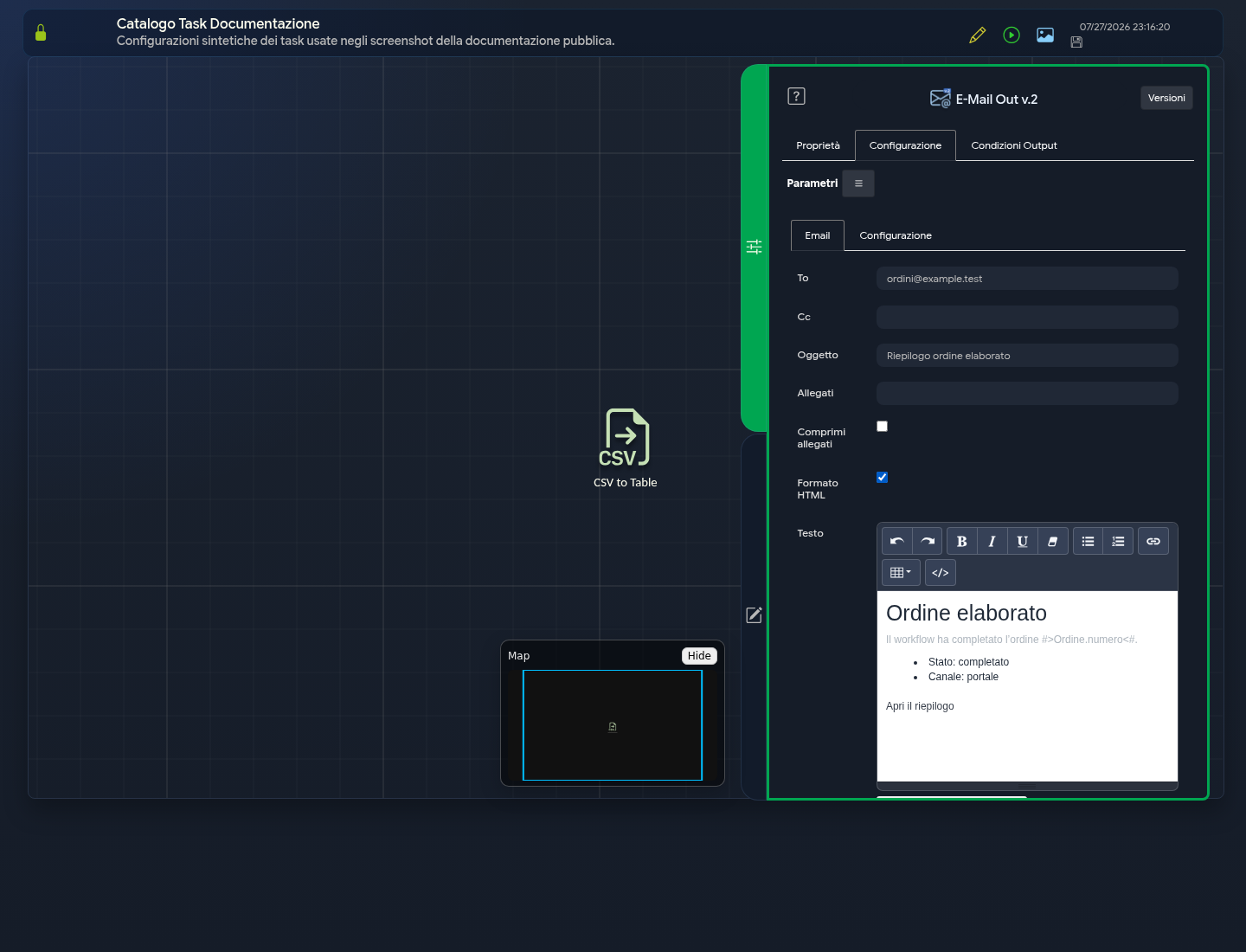
Viewing history
The window lists available versions along with the information displayed by the interface, such as author and date. Selecting a version allows you to compare its values with the current configuration.
Restoring
When the action is available:
- select the version;
- carefully review the differences;
- confirm the restoration;
- save the workflow;
- validate and test the task.
Restoration applies to the configuration of the selected task, not the entire workflow.
Limits
History helps recover previous configurations but does not replace export or version management procedures defined by the organisation. After a restoration, also check tasks that depend on modified outputs.