Monitor report generation
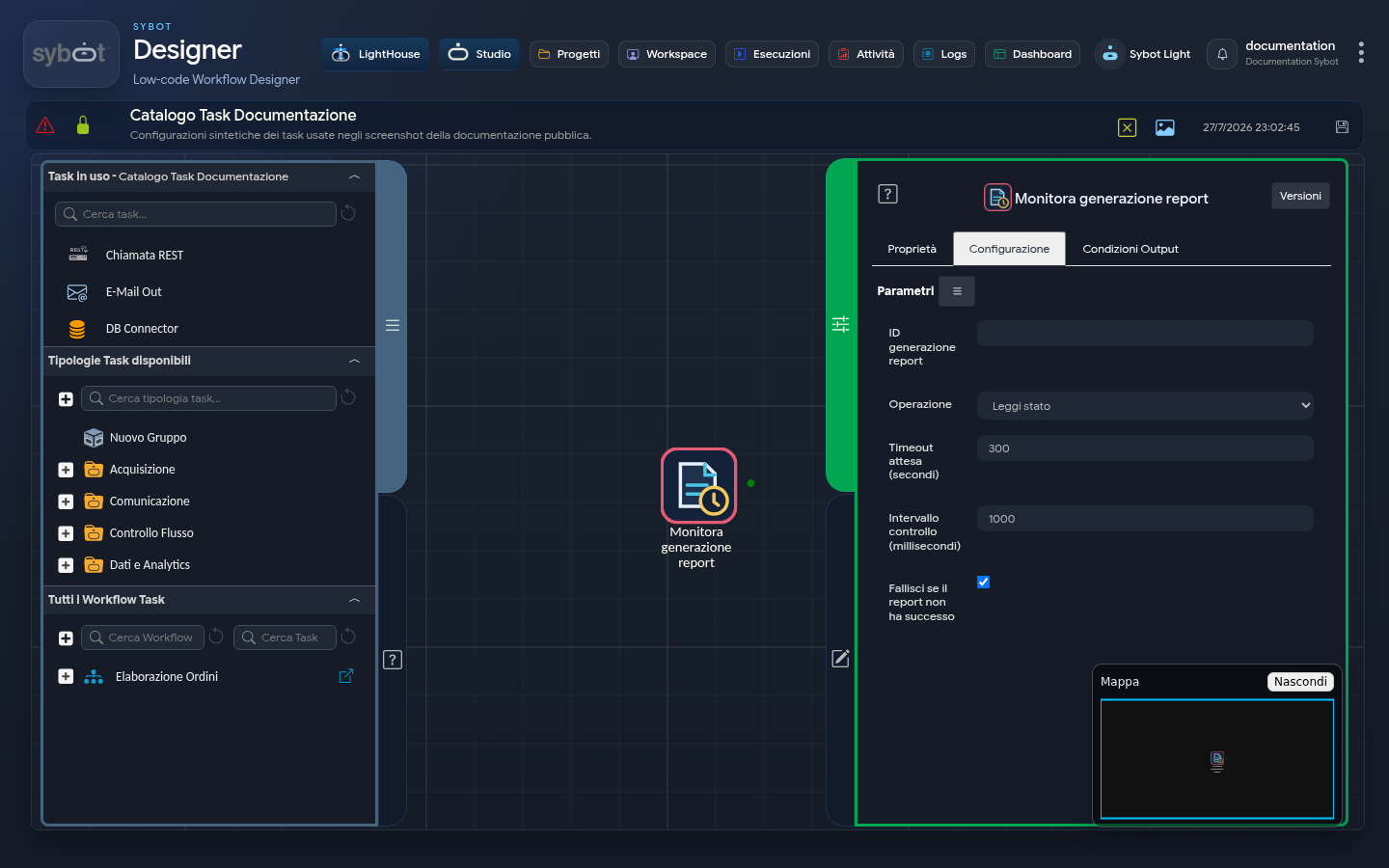
The Monitor report generation task checks a request created by User View Report Generation.
Configuration
| Field | Description |
|---|---|
| Report generation ID | Identifier returned by the generation task. It can be a dynamic parameter. |
| Operation | Status performs a check; Wait waits for a final result. |
| Wait timeout | Maximum duration for the Wait operation. |
| Check interval | Frequency of checks during the wait. |
| Fail if unsuccessful | Causes the task to fail if the report ends with an error or is cancelled. |
Results
The task makes available:
- View and version used;
- report status, phase and progress;
- generated file and related metadata, when ready;
- diagnostic message in case of an issue.
With Status, the workflow can use a condition to:
- proceed when the report is ready;
- repeat the check while it is still processing;
- send a notification or follow an alternative path in case of an error.
With Wait, exceeding the timeout does not cancel the generation. It can be checked again using the same identifier.
The returned file can be linked directly to a compatible send or storage task.