Sbatch
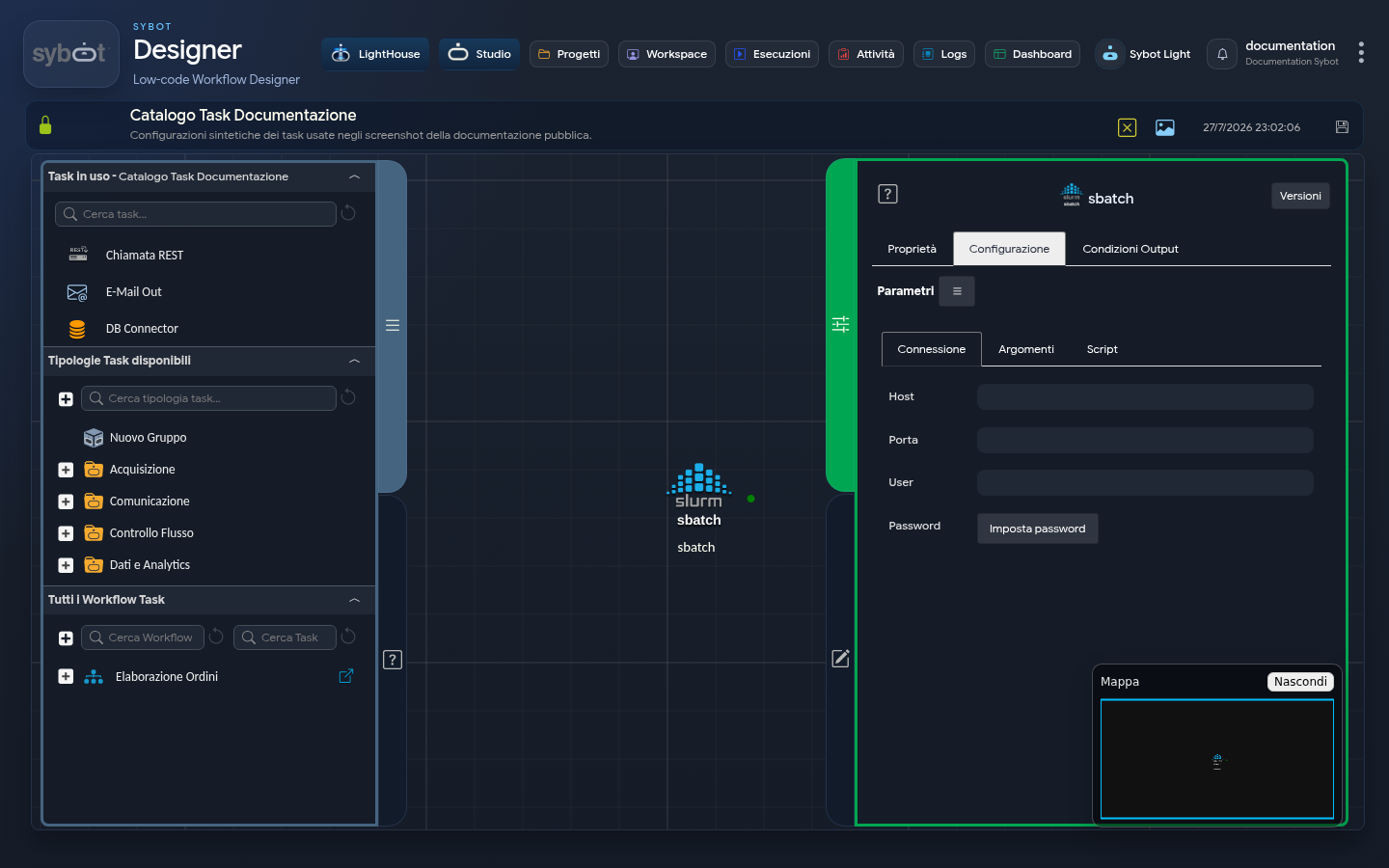
The sbatch task implements the sbatch command of the SLURM (Simple Linux Utility for Resource Management) workload manager. This command is used to submit batch jobs to a cluster managed by SLURM.
Configuration
- –job-name:
esempio_job_nameJob name for identification within the cluster. - –output:
out.txtName of the file in which the job output will be saved. - –time: (optional) Maximum execution time for the job.
- –mem: (optional) Amount of memory required for the job.
- –nodes: (optional) Number of nodes required for execution.
- –partition: (optional) Partition of the cluster in which to run the job.
Execution Script
The task allows you to define an execution script that is submitted to the cluster. The script begins with the #!/bin/bash directive and includes the #SBATCH options to configure the job.
Example script:
#!/bin/bash
#SBATCH --job-name=esempio_job_name
#SBATCH --output=out.txt

# Comandi da eseguire nel job
The configuration fields of the Task can be populated manually or via workflow parameters and variables.
Output Parameter
Once the external service has responded to the call, the task exposes the following output parameters, which are crucial for processing the result of the request:
- result: Contains a text message describing the outcome of the task execution.
- resultJson: Represents the result of the task execution in JSON format, including general information, configurations, and execution details.
Notes
The task generates a batch script with the specified options and submits it to the SLURM cluster via the
sbatchcommand. The job output is written to the file specified in--output. Additional options can be added to customise the resource request.