Unix Search Process
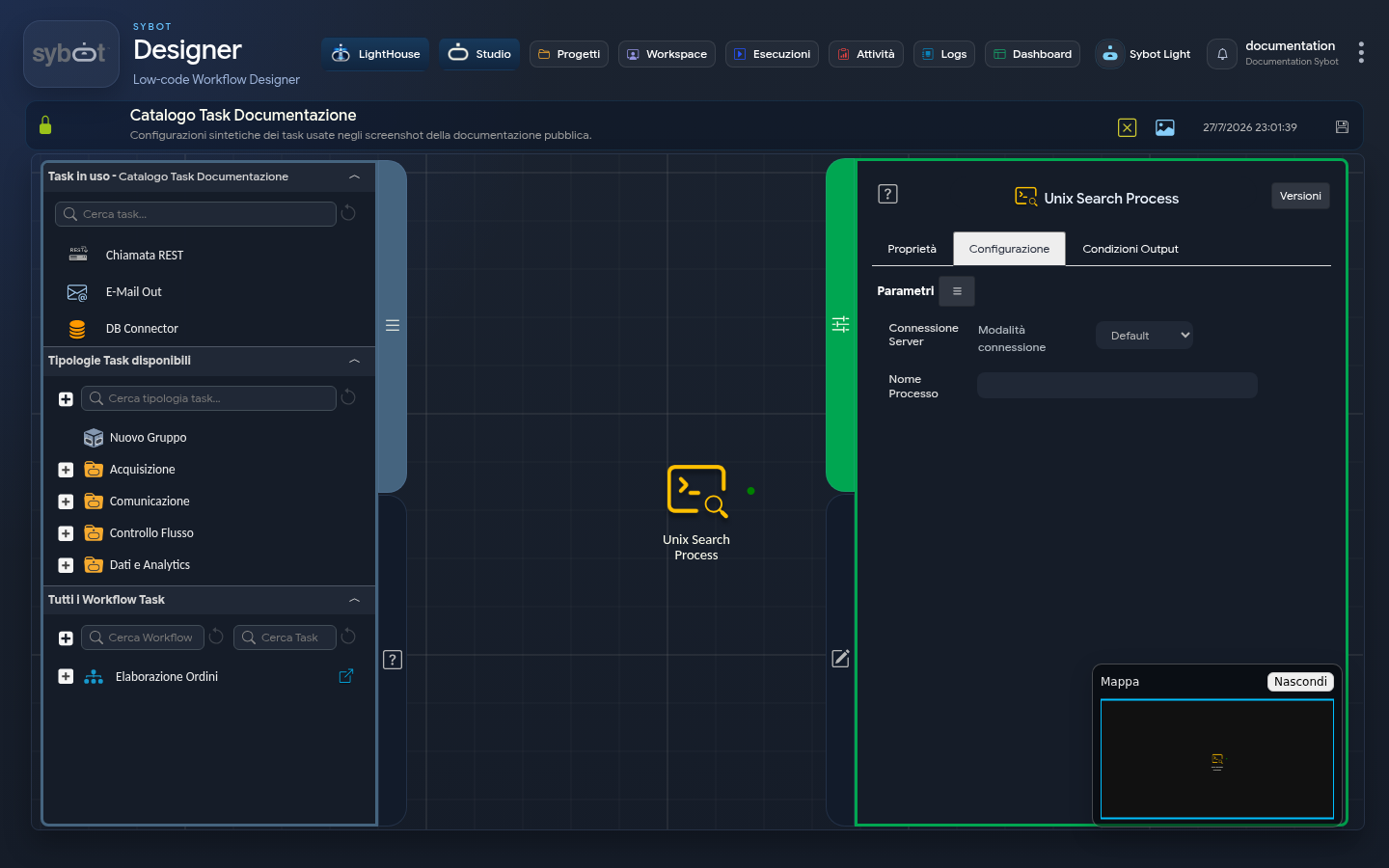
- Task type:
ssh_searchprocess
Description
The Unix Search Process task allows you to search for a running process and retrieve its PID (Process ID), performing the operation on the local machine (Default mode) or on a remote server via SSH.
It is used to dynamically obtain the identifier of a process to be used in subsequent tasks (e.g., Unix Kill Process) or to verify its presence.
Configuration
Configuration defines the execution mode (local or remote) and the name of the process to search for. Task configuration fields can be set manually or via workflow parameters and variables.
Server Connection
- Connection mode: Defines the source of the credentials used for the connection. It can assume three operating modes:
- Default: The command is executed from the local machine.
- Manual: Allows manual entry of SSH connection parameters.
- Environment: Uses a preconfigured connection environment. In this mode, a menu is displayed listing available connections based on the role associated with the Workflow.
- IP Address: IP address of the remote server.
- Hostname: Hostname of the remote server.
- User: Username used to establish the SSH connection.
- Password: Password associated with the connection user.
- Port: Port used for the SSH connection (the default value is 22).
Execute command as another user
By enabling this checkbox, you can perform the search with a user different from the one used for the SSH connection.
- User: Name of the user under which the command will be executed.
- Password: Password of the user used for command execution.
Process Details
- Process Name: The name (or a significant part of the name) of the process to search for.
Output Parameters
Upon completion of the search, the task exposes the following output parameters:
- pidList: Contains the list of numeric Process IDs found that match the specified Process Name. If a single process is found, it will contain a single PID. If multiple processes are found, it may contain all of them (often separated by a newline). This is the main parameter to use in subsequent tasks.
- result: Contains the full text output of the search command executed on the server or an error message.
- resultJson: Represents the result of the task execution in JSON format, including general information, configurations, and execution details.
- exitStatus: Returns the exit code of the search command. A value of 0 indicates that the command was executed successfully (even if it did not find any process).
Notes
The task establishes an SSH connection with the remote server and performs extraction of the PID of the configured process. If you use SSH key authentication, the public key must be registered on the remote server. If the "Execute command as another user" option is enabled, the command is executed with a user different from the main SSH connection user.