JSONPath Query
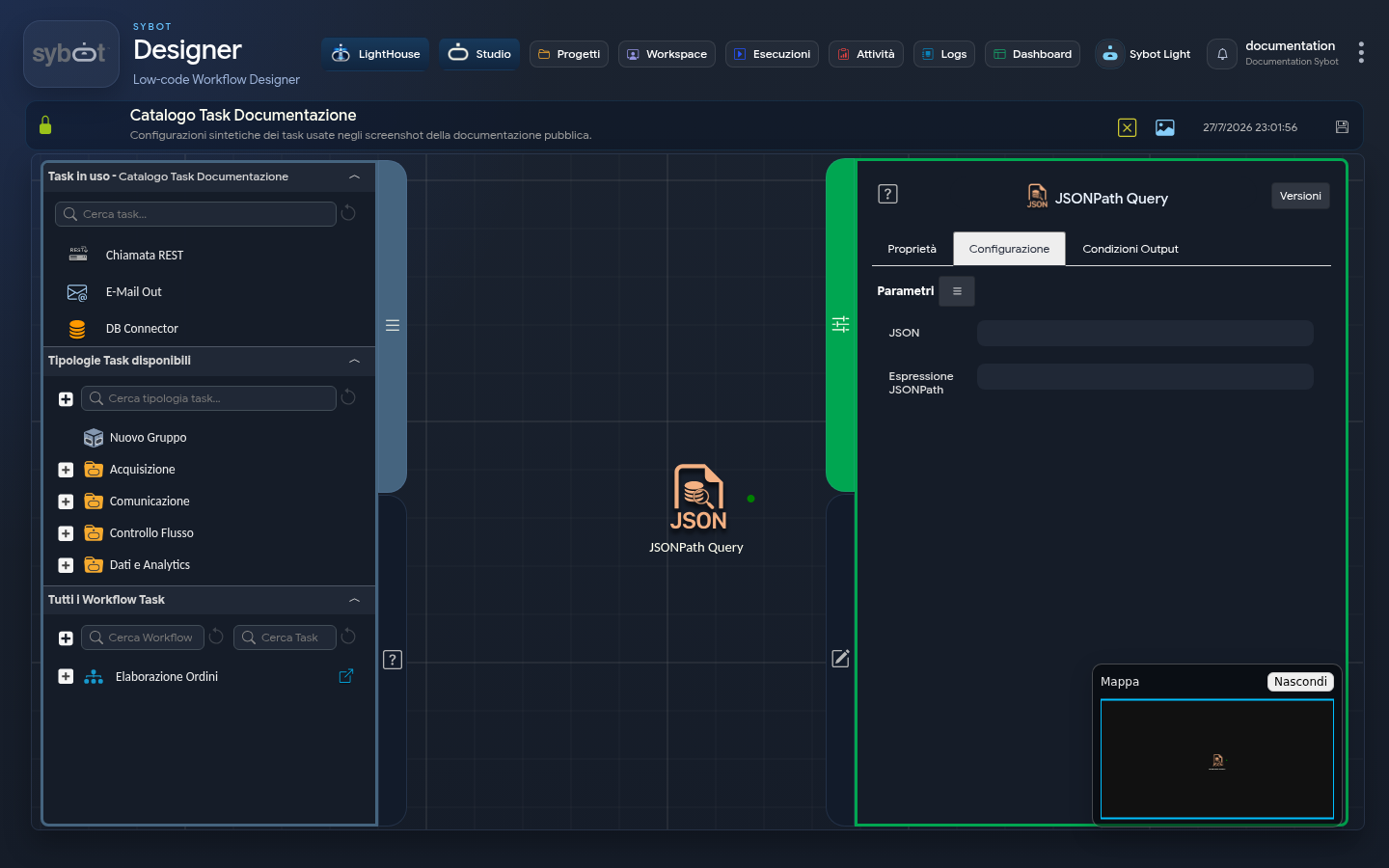
The JSONPath Query task allows you to execute queries on JSON data using JSONPath expressions. This is useful for extracting specific information from complex JSON structures.
JSONPath Query Definition
A JSONPath Query is an expression that allows you to locate and extract data from a JSON structure by navigating its elements hierarchically. It uses syntax similar to file paths to refer to properties, nested objects, and arrays, enabling the selection of specific values, collections of elements, or structured portions of the JSON document.
Configuration
JSON: Incoming JSON, provided directly as text or via a dynamic parameter (for example, the DataExportJson output of the Database task), not as a file path, but as direct JSON content.
Example JSONPath expression :
$.value[?(@.name=='wmr')].type
Query Structure
$: Represents the root of the JSON document..value: Selects thevalueelement directly under the root.[?(@.name=='wmr')]: Filters the elements of thevaluearray to include only those where thenameattribute is equal to'wmr'..type: Selects thetypeattribute of the filtered elements.
Example JSON Document
Assuming you have the following JSON document:
{
  "value": [
    {
      "name": "wmr",
      "type": "exampleType1"
    },
    {
      "name": "otherName",
      "type": "exampleType2"
    }
  ]
}
Query Result
The query $.value[?(@.name=='wmr')].type will select the value of the type attribute for the element where name is 'wmr'. In our example, the result will be:
[
  "exampleType1"
]
Output Parameter
Upon completion of the execution, the task makes the following Output Parameters available, which can be used as input for subsequent tasks in the Workflow.
- result: This parameter can contain an error message or the result of the query.
- resultJson: Represents the result of the task execution in JSON format, including general information, configurations, and execution details.