Extract Data from Semantic Model
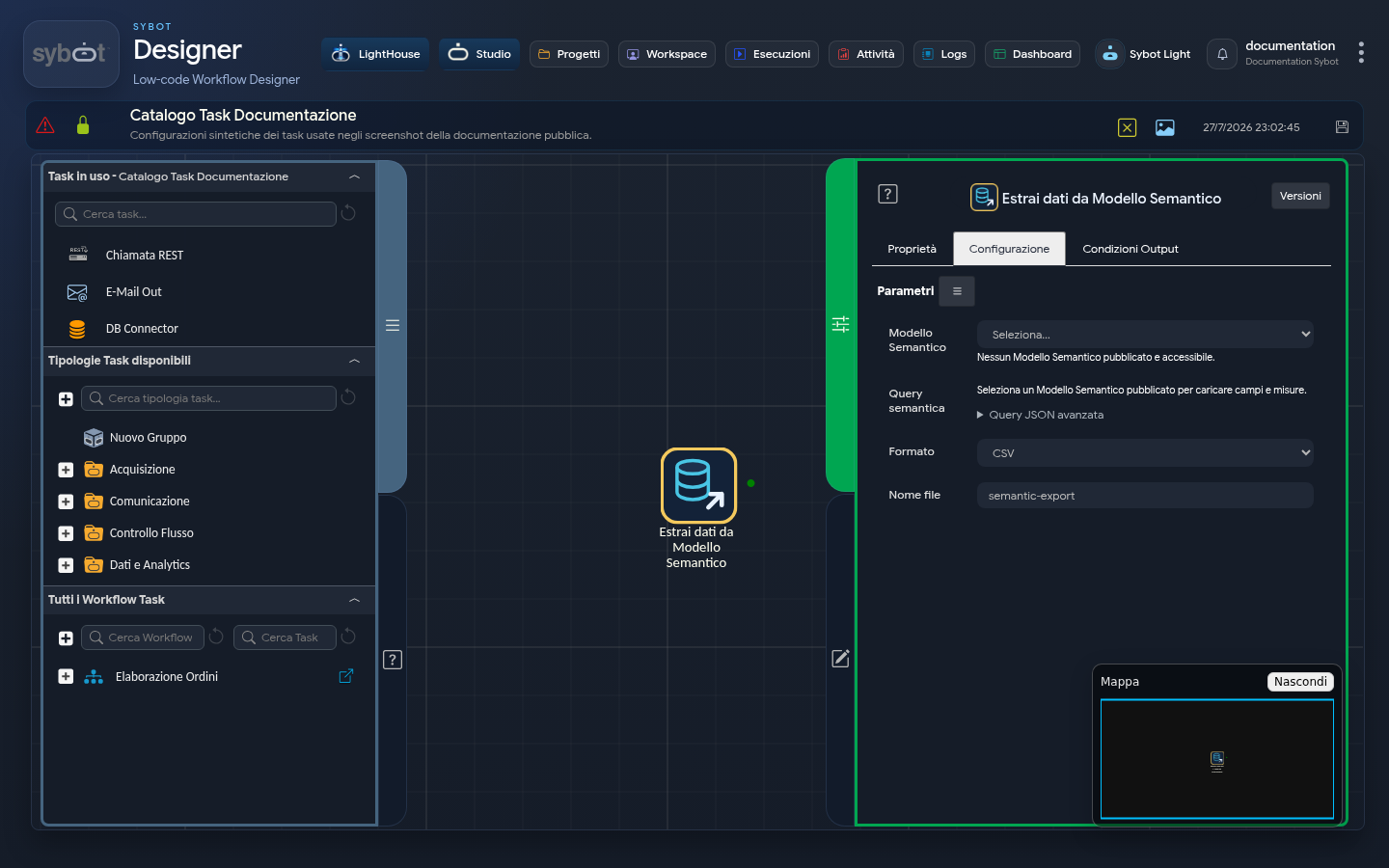
The Extract Data from Semantic Model task runs a query against a published model and generates a JSON, CSV, or XLSX file.
Configuration
| Field | Description |
|---|---|
| Semantic Model | Published model to query. |
| Query | JSON document specifying fields, measures, aggregations, filters, and sorts. |
| Format | JSON, CSV, or XLSX. |
| File Name | Name of the generated file, without sensitive information. |
The query uses the same semantic definition available in the model's Preview. You can specify:
select: fields to return;measures: measures;aggregations: aggregate calculations;filters: conditions;orderBy: sorting;pageSize: maximum number of rows, up to the limit shown by the Inspector.
A minimal example:
{
  "schemaVersion": 1,
  "select": [
    {"field": "cliente.nome"}
  ],
  "measures": [
    {"measure": "ordini.totale"}
  ],
  "filters": [],
  "orderBy": [],
  "page": 1,
  "pageSize": 1000
}
Use the references proposed by the model, rather than inferring them from displayed labels.
Results
The task produces:
- exported file, ready for subsequent tasks such as E-mail;
- number of rows and columns;
- model version and generation used;
- indication of potentially stale data;
- diagnostic message in case of error.
Before automating the export, test the same selection in the Semantic Query Preview.