LightHouse — Reindex Documents
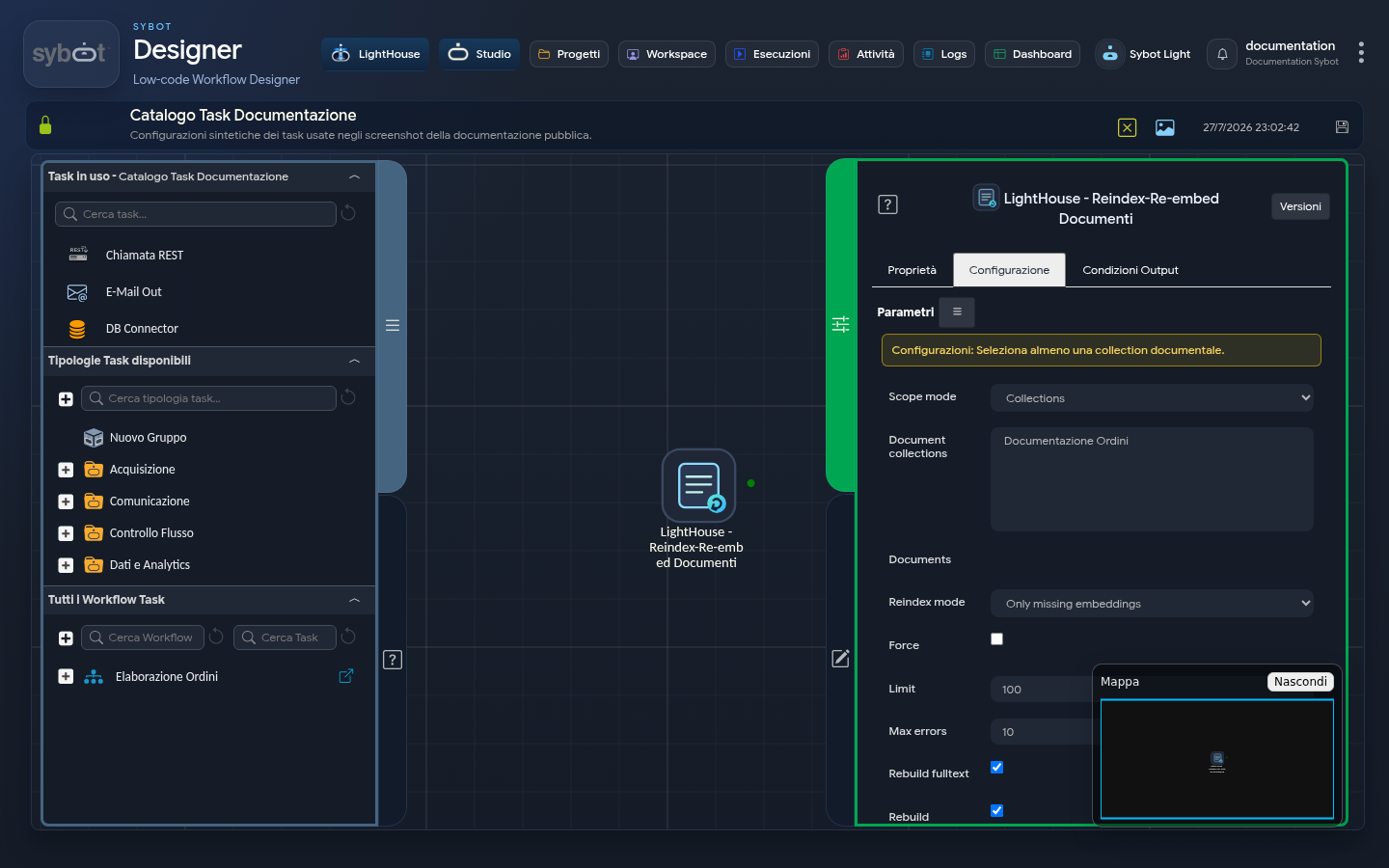
The LightHouse — Reindex Documents task updates the indexes used to search and query documents in the Library.
Scope
Choose one of the following modes:
- Collection: select one or more document collections.
- Documents: select individual documents.
The selectors apply current permissions and show only elements manageable by the user.
Configuration
| Field | Description |
|---|---|
| Mode | Process only non-indexed documents, only those with errors, or all. |
| Force | Require a new processing even when the document is already up to date. |
| Limit | Maximum number of documents to process. |
| Max Errors | Threshold beyond which the task stops the operation. |
| Update Searchable Text | Rebuild information used for text-based search. |
| Update Semantic Search | Rebuild information used for meaning-based search. |
| Wait for Completion | Keep the workflow waiting for the result. |
Select at least one of the two update options. Using Force on many documents may take longer: start with a reduced scope.
Results
The summary shows selected, updated, skipped, and unprocessed documents. The task does not modify document content or versions.
Use it when new documents do not appear in searches, after fixing an indexing error, or to realign a controlled set of content.