Import Text
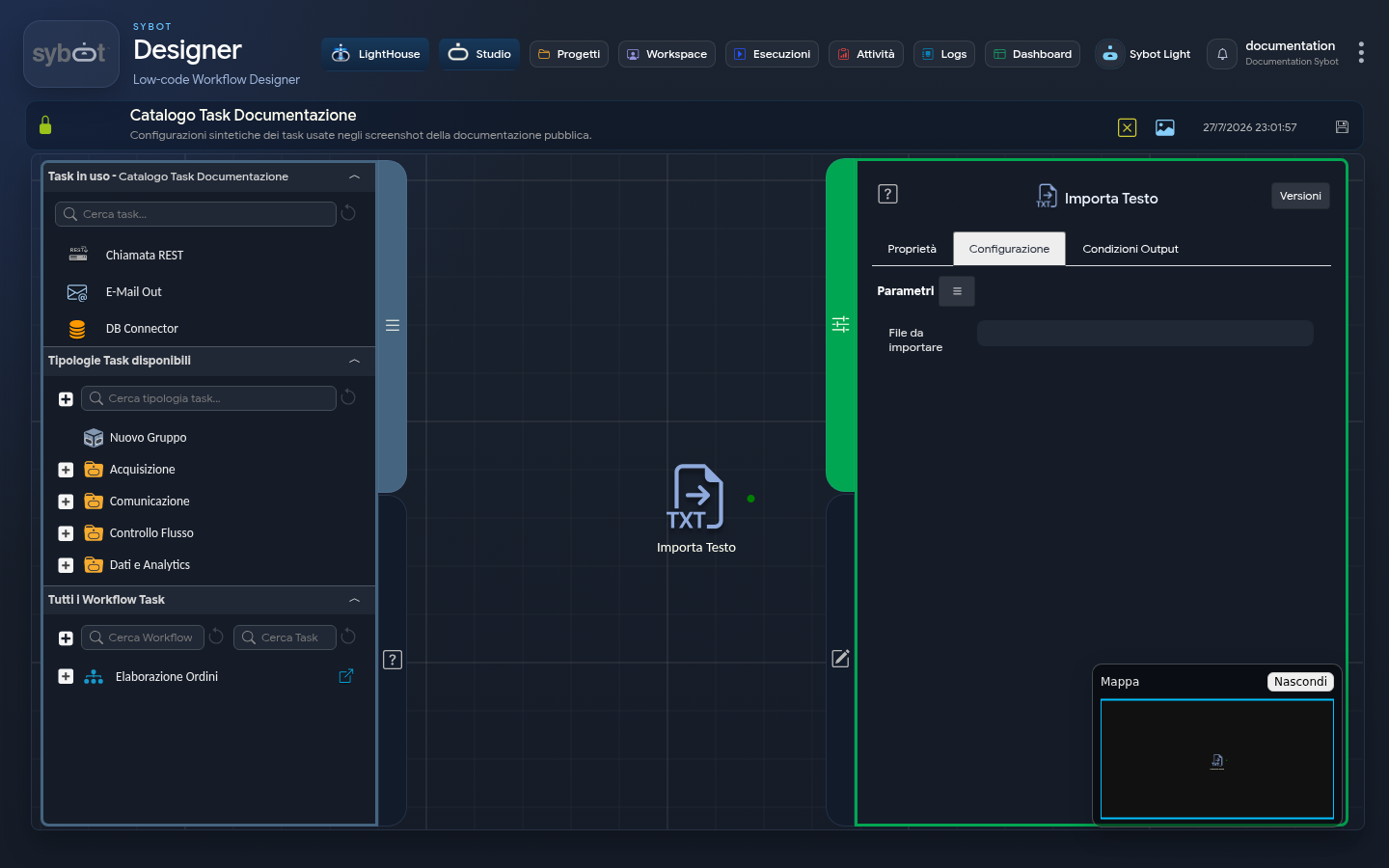
The Import Text task allows you to import the content of a text file into the workflow. Its function is to read a file from a specified path, making it available for processing by subsequent tasks.
Configuration
The task configuration is very simple and focuses on a single field.
- File to Import: Enter the full path (absolute path) of the text file to import in this field. The value can be provided in two ways:
- Static Path: A fixed path typed directly into the field. This option is useful when the file to be processed is always in the same location.
- Dynamic Path (via Parameters): A path obtained from a ".file" type parameter of the Workflow.
Important Notes
- Text Files Only: This task is designed specifically to read plain text files. Examples of supported files include: .txt, .csv, .json, .xml, .log, etc.
- Binary Files are not Supported: The task cannot import binary files. Attempting to read files such as images (.png, .jpg), documents (.pdf, .docx) or compressed archives (.zip) will result in an error during execution, as the task will not be able to interpret their content as text.
Output Parameters
Upon completion of execution, the task makes the following output parameters available, usable in subsequent tasks of the diagram.
- result: Contains the entire content of the imported text file, stored as a single text variable (string). This output is very useful for subsequent tasks that need to analyse, transform or extract information from that text (e.g. "JSON to Table", "XML to Table", etc.).
- resultJson: Represents the result of the task execution in JSON format, including general information, configurations and details about the execution.
- Example resultJson:
{
  "id": 18781,
  "name": "Importa Testo",
  "description": "",
  "type": "in-txt",
  "type_name": "Importa Testo",
  "type_description": "Importa un file di testo",
  "config": {
    "file": "#>test.file<#",
    "output_links": []
  },
  "run_info": {
    "run_id": 1438116,
    "start_datetime": "2026-03-09 15:13:31",
    "end_datetime": "2026-03-09 15:13:31",
    "start_epoch": 1773069211.613649,
    "end_epoch": 1773069211.645455,
    "duration": 0,
    "status": "Completed",
    "cmd_text": "",
    "run_result": "Success",
    "result_text": "test",
    "full_result_text": "test"
  },
  "output_parameters": {
    "exitStatus": "0"
  }
}