Extract Data from Text
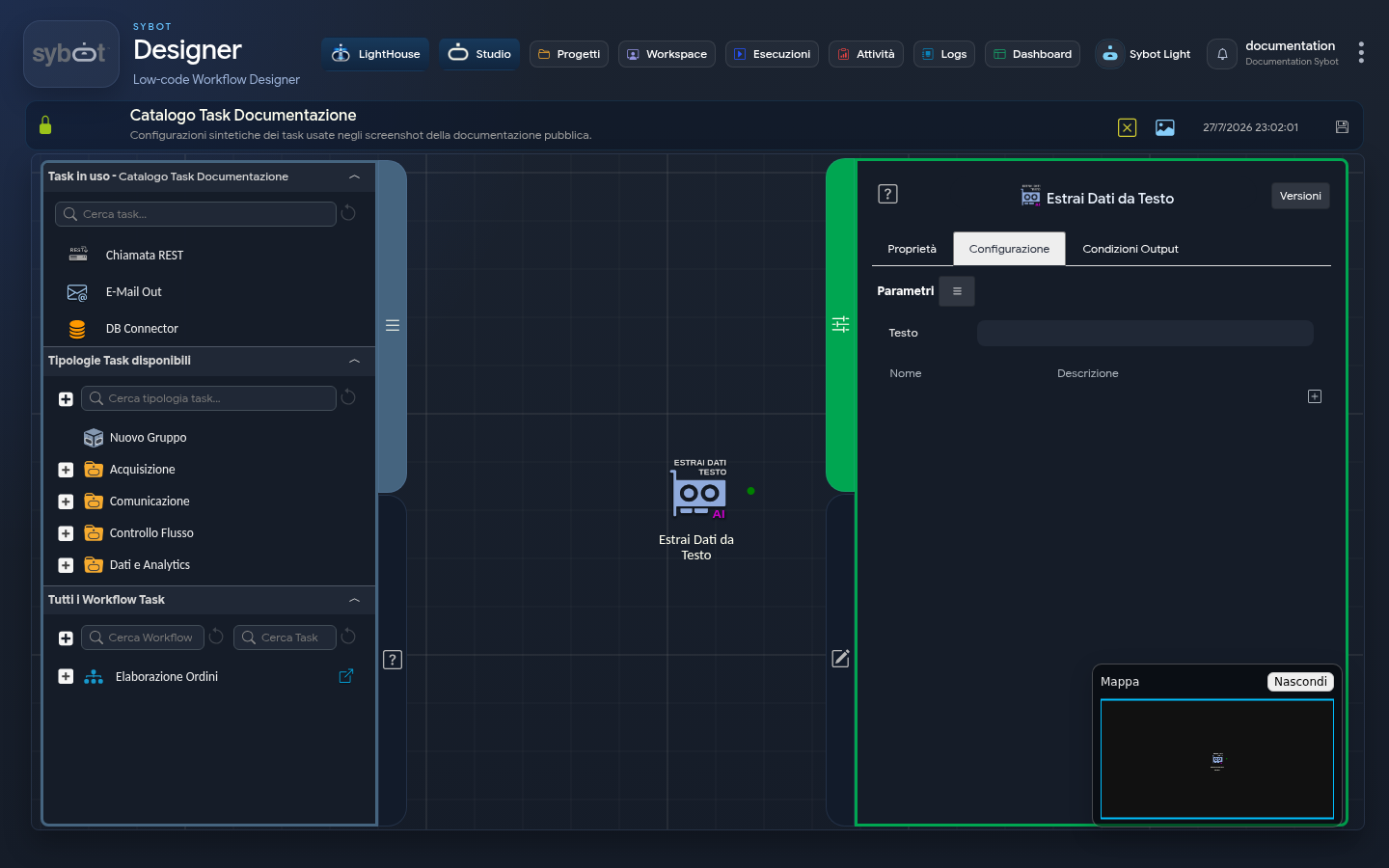
The Extract Data from Text task is designed to analyse input text and extract specific information based on defined criteria. The configuration allows you to define the text to be analysed and the data to be extracted.
Configuration
Text
- Field:
Text - Description: Specifies the text to be analysed, which can include dynamic parameters.
- Example: text to analyse and/or
#>parametro_string<# - The value
#>parametro_string<#indicates a dynamic parameter that will be substituted at runtime.
2. Data to Extract
Each piece of information to be extracted is defined via a name and a description. For example:
| Name | Description |
|---|---|
dato_da_estrarre_1 | Natural description of data 1 to extract from the text |
dato_da_estrarre_2 | Natural description of data 2 to extract from the text |
dato_da_estrarre_3 | Natural description of data 3 to extract from the text |
- Each piece of data to be extracted is described in natural language to facilitate understanding.
- Multiple pieces of data to be extracted can be added.
Usage Example
Output Parameters
Upon completion of its execution, this task exposes the following Output Parameters that can be reused in subsequent tasks.
- result: This parameter can return an error message (for example, "Missing data to extract") or an informational message regarding the outcome of the task execution (for example, "2 features extracted from the document").
- resultJson: Represents the result of the task execution in JSON format, including general information, configurations, and execution details.
- Dynamic parameters: for each piece of data configured during the extraction phase, an output parameter is generated whose name corresponds exactly to the name of the defined data. This parameter will contain the value extracted from the text based on the configuration rules. In the example provided in the previous chapter, the parameter will be named "main_character" and will contain the name of the protagonist of the story.