Sentiment Analysis
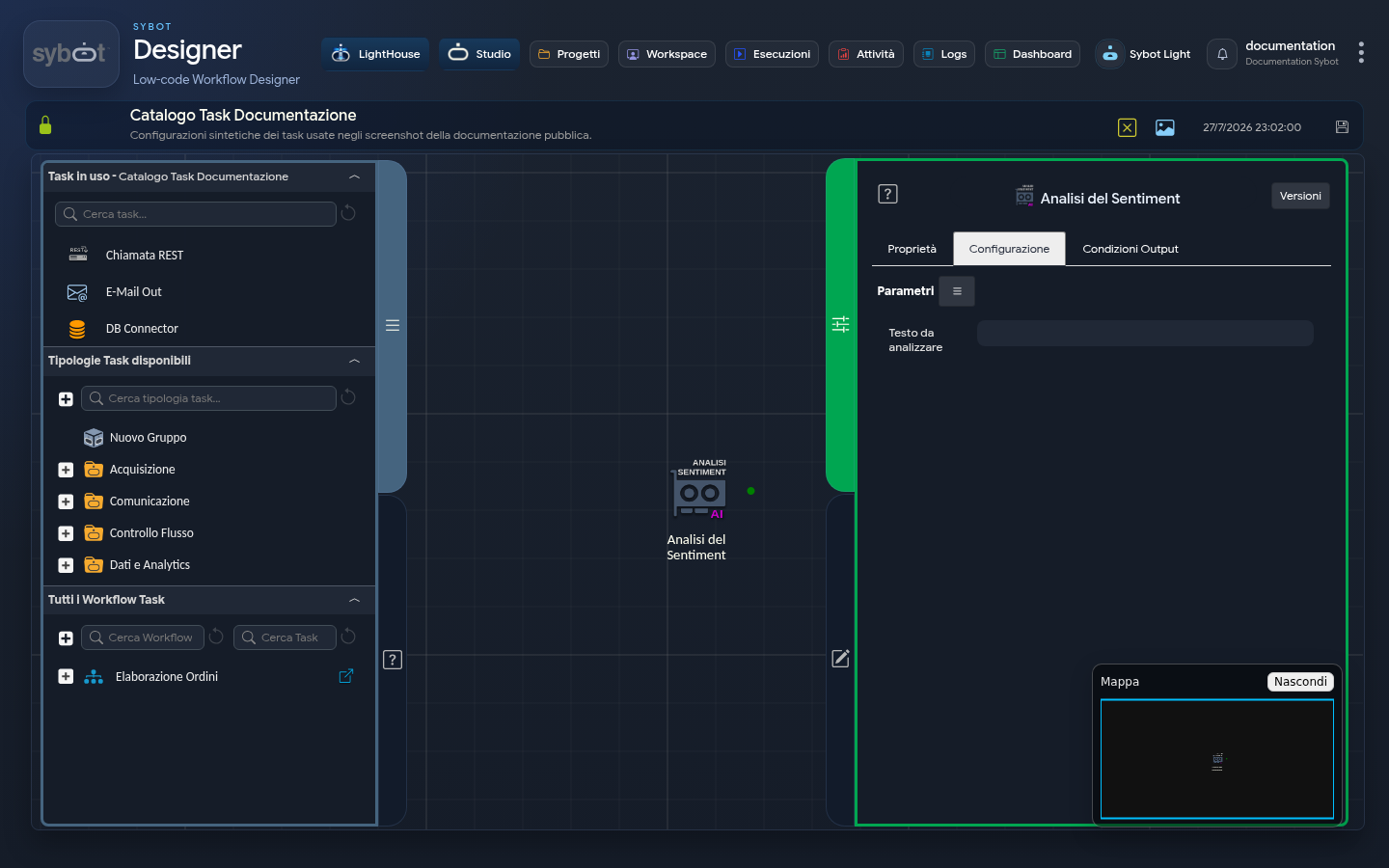
The Sentiment Analysis task allows you to analyse the tone and emotions present in input text.
Configuration
- Text to Analyse: Field where you can enter the text to be subjected to sentiment analysis.
You can provide text directly or use a dynamic parameter in the form: "
#>parametro_string<#". Using a dynamic parameter allows you to flexibly and dynamically insert the content to be analysed, evaluating it at runtime based on the Workflow execution context.
Output Parameter
Upon completion of its execution, this task exposes Output Parameters that can be reused in subsequent tasks.
- result: This parameter can contain an error message or the message of the analysis of the analysed text (for example:**"The sender expresses a strong negative sentiment, angry.")
- resultJson: Represents the result of the task execution in JSON format, including general information, configurations and details about the execution.