Workflow Exception
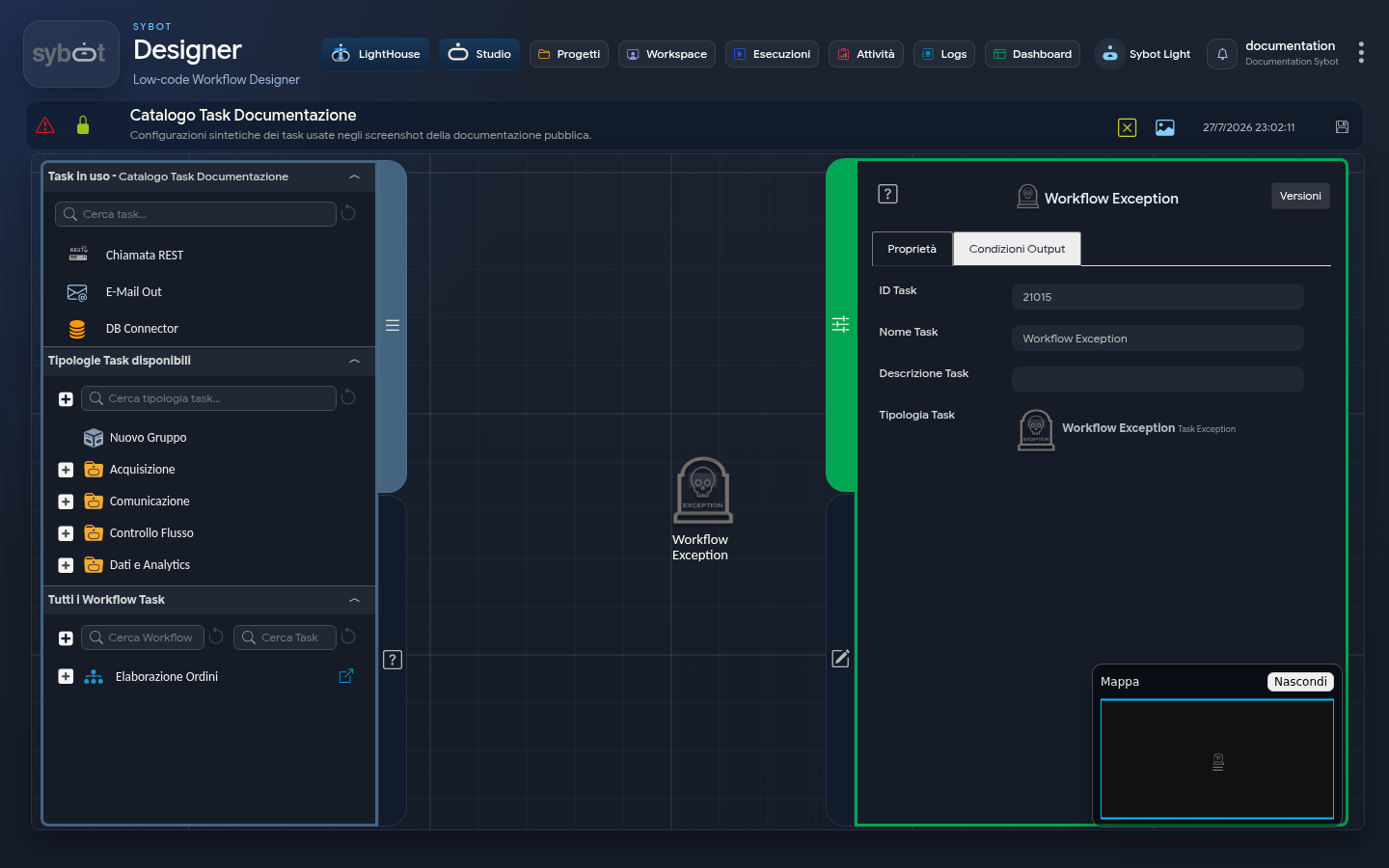
Within a workflow, the Workflow Exception task acts as a centralised handler for all anomalies and errors that may occur during flow execution. In other words, all exit conditions of type "Exception" from various tasks can be linked to this single special task.
As the name and icon suggest, this task represents a terminal point for workflow paths that have encountered an unhandled error.
Operation
The operating principle of "Workflow Exception" is to centralise error handling. Instead of defining a specific error path for every single task that might fail, all possible exceptions can be funneled into this single point.
Key Features:
- Error Centralisation: Collects all conditions of type "Exception" defined in the various tasks of the workflow. This simplifies the diagram logic, avoiding having multiple scattered error-handling branches throughout the flow.
- No Configuration: The "Workflow Exception" task is not configurable. Its sole function is to "catch" exceptions and terminate that workflow path, signalling that a problem has occurred.
Practical Example
In the diagram shown:
- The workflow starts with the "Import text" task.
- If the text import succeeds, the flow proceeds through "Condition 72" to the "E-Mail Out v.2" task.
- If, for any reason, the "Import text" task fails (e.g., the file is not found), its "Exception" exit condition is triggered.
- This condition is linked directly to the "Workflow Exception" task.
- Consequently, execution of that particular branch of the workflow is halted and recorded as failed, without any email being sent.
In summary, the "Workflow Exception" task is a fundamental element for creating robust workflows, as it provides a simple and visual mechanism to handle and identify failures during process execution.
Additionally, it is possible to start a new branch of the flow. This path is specifically designed for error handling. As shown in the image, it is possible to link a subsequent task (e.g., an email sending task such as "mail_exception") to notify administrators or users that a problem has occurred.
Output Parameters
These parameters can be used in subsequent tasks (such as in the body of an email) to provide a detailed and contextualised report of the error.
From the Parameter List the following variables can be used:
- result: The overall outcome of the exception (e.g., "The exception thrown by the Import text task was handled").
- exceptionMessage: The specific error message returned by the failed task. This is the most useful parameter to understand the nature of the problem (e.g., "File not found", "Database connection failed", etc.).
- failedTaskName: The name of the task that generated the error.
- failedTaskId: The unique identifier (ID) of the task that generated the error.
- failedTaskType: The type of task that generated the error (e.g., "Import text", "Database query", etc.).