Loop control
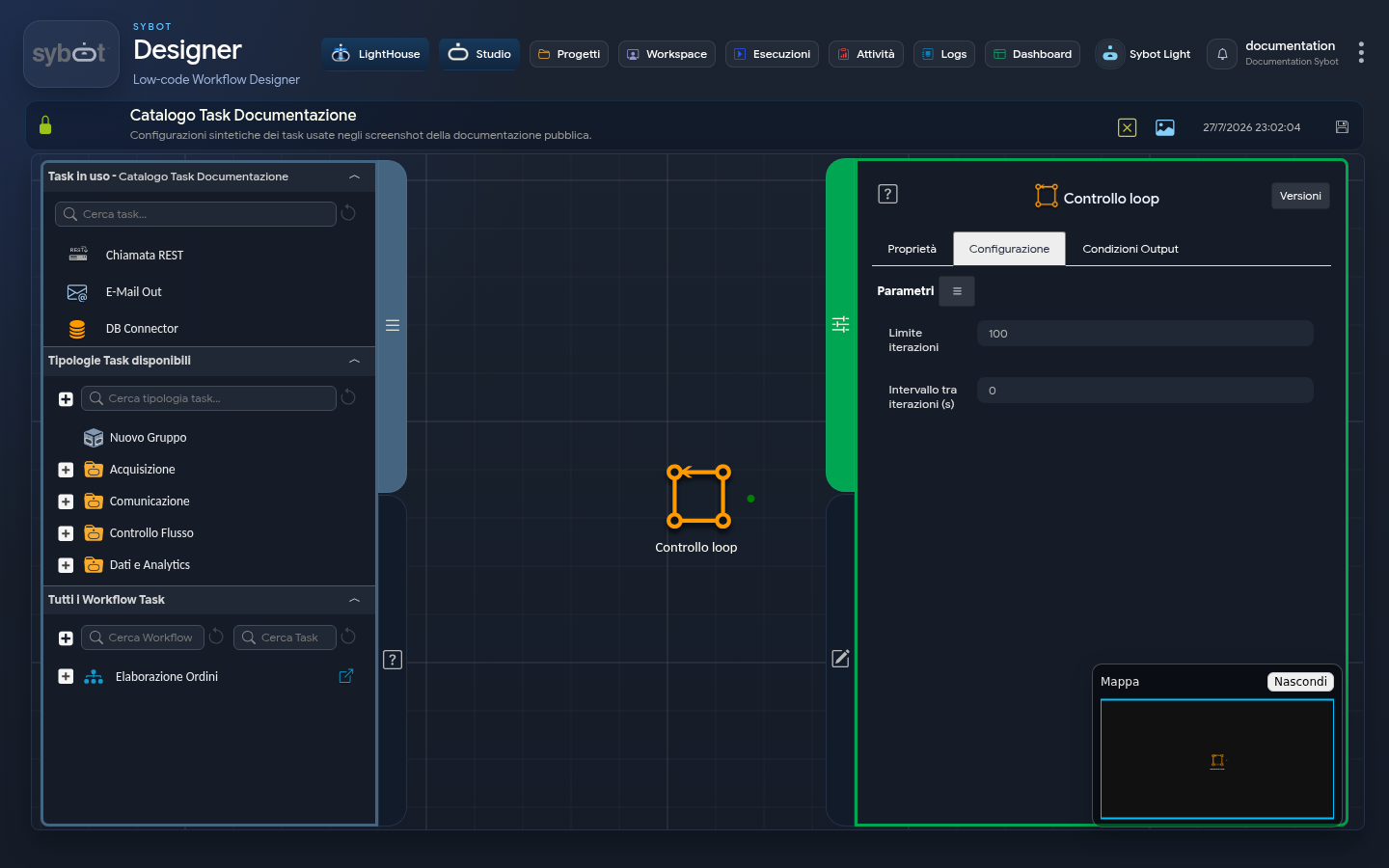
- Task type:
loop-control
The Loop control task is a specialized flow component that allows you to create complex cycles, similar to a while construct in programming. Unlike the Repeat task, which only repeats the immediately preceding action, Loop control acts as a "jump" (goto) point, allowing you to create cycles that include a sequence of multiple tasks.
Configuration
The configuration defines the limits and timing of the cycle.
- Iteration limit: The maximum number of times the cycle can be executed. It can be entered manually or via a dynamic parameter (e.g.,
#>parameter_num<#). - Interval between iterations (s): The wait interval, in seconds, between the end of one iteration and the start of the next.
Cycle Architecture
For correct operation, the cycle requires a specific three-component architecture:
- Loop Body: One or more actions (tasks) that must be executed repeatedly (e.g., Send an email, update a variable).
- Task preceding the LOOP CONTROL: The last task within the loop body will have:
- A special condition of type "LOOP": As long as this expression is true, the flow is directed to the Loop control task to continue the cycle. When the "LOOP" condition becomes false, the flow follows one of these alternative paths or terminates the workflow, exiting the cycle definitively.
- "Loop control" task: The engine of the cycle. When it receives the flow, it increments its counter and redirects it to the first task of the loop body.
Detailed Operation
At each step, the flow is as follows:
- Actions in the loop body are executed.
- The "Task preceding Loop Control" evaluates its conditions.
- If the "LOOP" condition is true, the flow goes to "Loop control", which sends it back to the beginning.
- If the "LOOP" condition is false, the flow exits the cycle through another path.
Example 1
This is the standard scenario. The cycle ends because a logical condition is met.
Execution Flow (based on the last screenshot):
- Declare variables sets a variable
xto "0". - The workflow executes E-Mail Out v.2, then Set variables increments the value of variable
xby 1. - Decision: The Set variables task evaluates its outputs:
- The "LOOP" condition
x == "hello"is false.
- Cycle Exit: The flow follows the
x != "hello"path and proceeds to the E-Mail End task. The cycle is correctly interrupted, and the "Loop control" is never reached.
Example 2: Continuous Loop Until Limit ("While True" Logic)
This scenario is designed to execute an action a predefined number of times. Here, the logical exit condition does not exist or is always true.
Execution Flow:
- Declare variables sets variable
xto "0". - The flow executes the sequence E-Mail Out v.2 -> Set variables increments the value of variable
xby 1. - The Set variables task has a "LOOP" condition that, in this scenario, is always true.
- The flow passes to "Loop control".
- "Loop control" redirects the flow to the beginning, to E-Mail Out v.2.
- This process repeats. The cycle is intentional and controlled.
- "Loop control" will stop only when its internal counter reaches the Iteration limit (set to 10). At that point, the task goes to FAILED with the message "Maximum Number of Iterations Reached (10)".
Output Parameters
- loopCount: A counter that returns the current iteration number. This value starts at 0 and is essential for creating exit conditions based on the number of cycles executed (e.g.,
#>Controllo loop.loopCount<# < 5). - result: Contains a descriptive text message only in the event the loop is forcibly terminated by the maximum limit (e.g., "Maximum Number of Iterations Reached (10)").
- resultJson: Represents the execution result of the task in JSON format, including general information, configurations, and execution details.
Important Notes
- Iterations start from 0. Consequently, a Iteration limit of 2 will execute 3 iterations (0, 1, and 2).
- The Task goes to FAILED after exhausting the iterations.
ResultJson Example
{
  "run_info": {
    "status": "Completed",
    "run_result": "Success"
  },
  "output_parameters": {
    "exitStatus": "0"
  }
}