Conditional
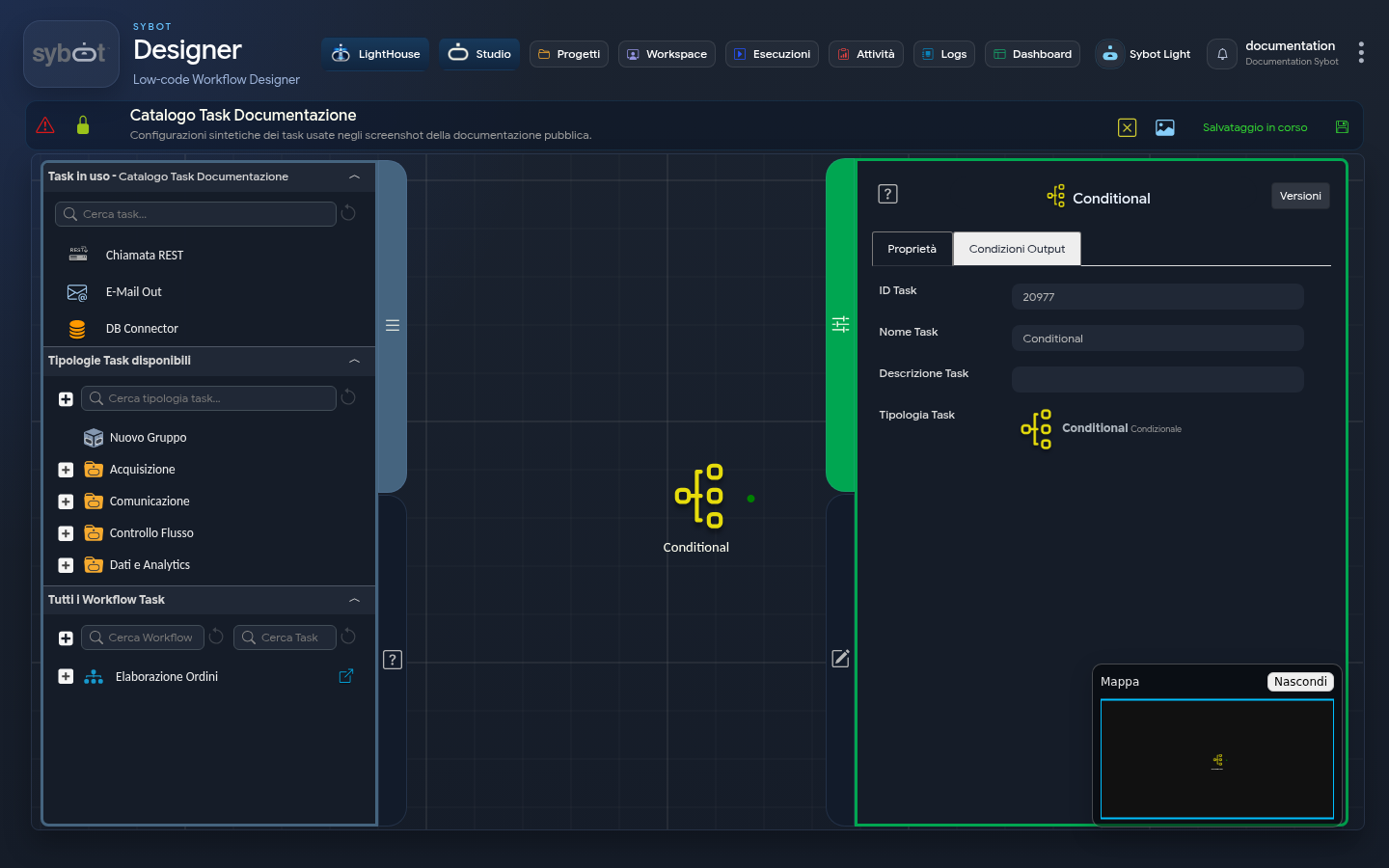
The Conditional Task is a dedicated tool for controlling the Workflow flow. Unlike other Tasks that perform an action (such as sending an email) and subsequently determine the workflow path, the Conditional Task does not perform any operational action. Its sole purpose is to direct the Workflow along different paths based on predefined logical rules, acting as a decision router within the flow.
Main Features
The specialisation of the Conditional Task is reflected in its configuration:
- Absence of the "Configuration" tab: When selecting a Conditional Task, the Configuration tab is not present. This is because the Task does not perform operations but simply makes decisions.
- Focus on "Output Conditions": The entire logic of the Task is defined in the Output Conditions tab, where the routing rules that determine the workflow path are set.
Usage Example:
Imagine a scenario where a Workflow receives an input parameter called name. Based on the value of this parameter, we must perform a different action, in this case, sending a specific email.
1. Configuration of the Conditional Task
The Task has been configured in its "Output Conditions" tab to handle different cases:
2. Display on the Diagram
- Four distinct paths originate from the Task, one for each condition we have defined.
- Each of these paths is connected to a different Email Task, which will be executed only if its specific condition is met.
When to Use the Conditional Task?
This Task is particularly useful for:
- Keeping Tasks Atomic: Instead of burdening an operational Task (e.g., "Import Text") with numerous output conditions, you can delegate the decision logic to the Conditional Task. This keeps the operational Task focused on its single responsibility (the import) and centralises the flow logic.
- Diagram Readability: Centralising branching logic in a Conditional Task makes the Diagram cleaner, more readable, and easier to maintain, especially in large Workflows.