SMS
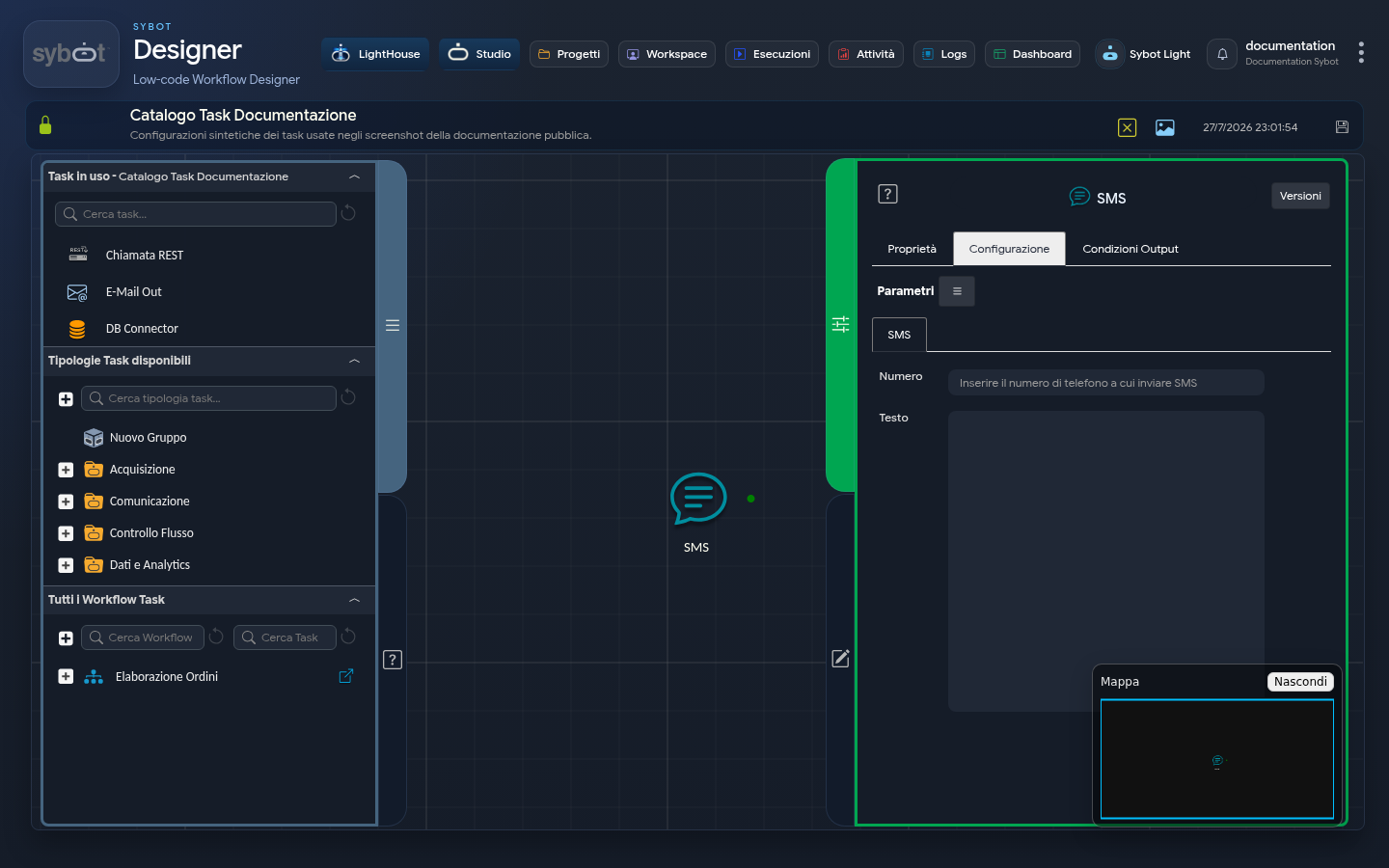
The SMS task enables the automatic sending of SMS messages to one or more specified phone numbers. Configuration requires entering the numbers to contact and the message text to transmit.
Configuration
1. Number: field in which to indicate the phone numbers to contact. Multiple numbers can be entered by separating them with a semicolon (;), or a single number can be entered. For example: 3331234567;0624513251
2. Message Text: text of the message that will be sent via SMS.
These fields can be populated manually or via workflow parameters and variables.
Output Parameters
Upon completion of execution, the task makes the following Output Parameters available, usable as input in subsequent tasks of the Workflow.
- result: This parameter can return an error message or an informational message regarding the outcome of the Task execution (for example: "SMS sent successfully")
- resultJson: represents the result of the task execution in JSON format, including general information, configurations, and details on the execution.
Notes
- Verify the correctness of the entered phone numbers to avoid errors in SMS message transmission.
- Dynamic parameters must be defined and populated correctly to ensure proper functioning of the SMS message.