PDF Reader
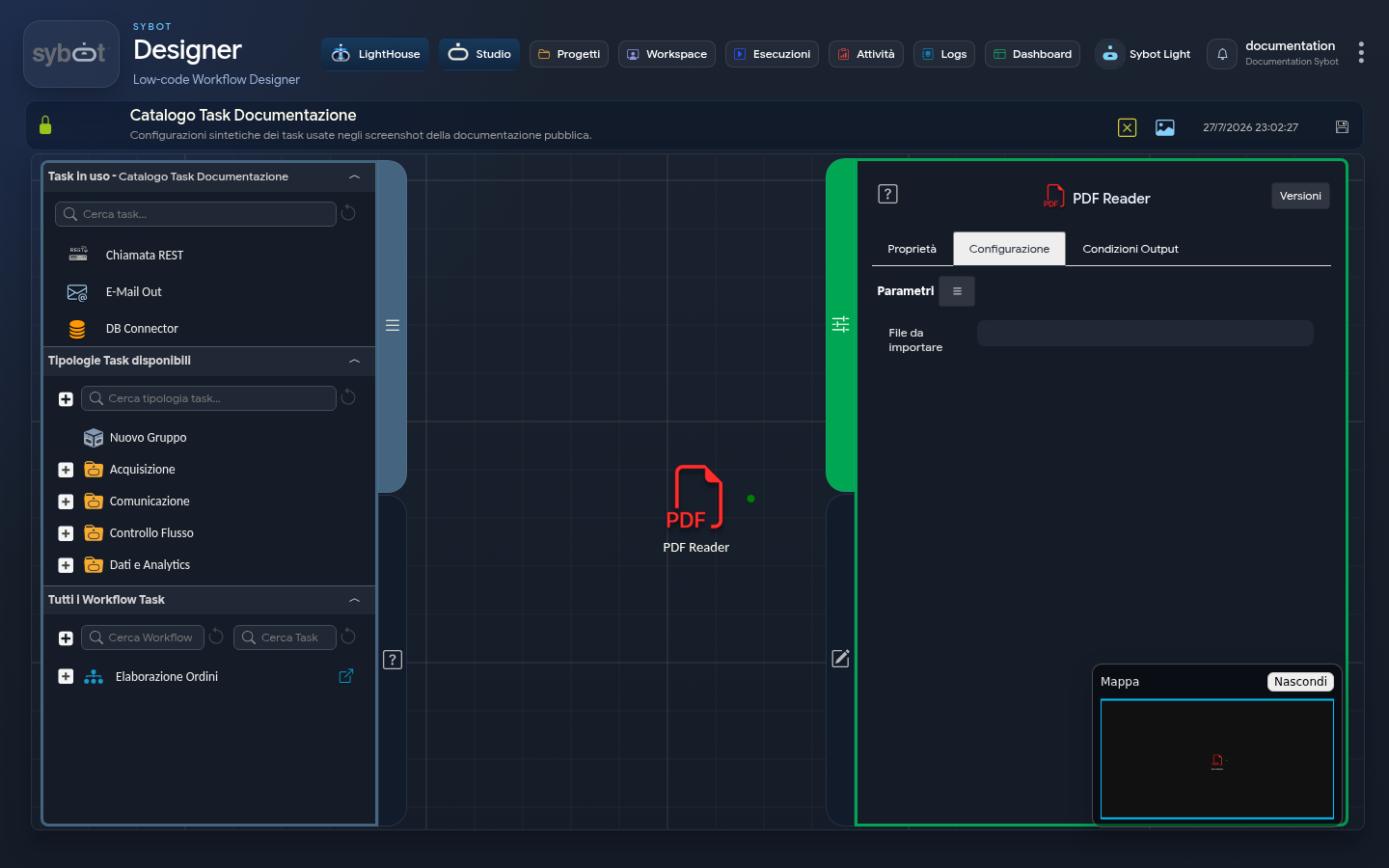
- Task type:
pdfreader
The PDF Reader task reads a PDF document and makes the extracted text available to subsequent steps in the workflow.
Configuration
The Configuration tab contains the File to import field.
The value can be:
- the file received as a workflow parameter;
- the output of a previous task;
- a path accessible as defined by the process.
Use the parameters menu to enter a reference produced by Sybot. Avoid manually typing complex references.
Usage
- Add PDF Reader to the diagram.
- Connect it to the task that makes the document available.
- Select the file in the File to import field.
- Connect the output to the task that must process the text.
- Save and test with a non-sensitive PDF.
The task is suitable for PDFs containing extractable text. For documents consisting solely of images, a compatible acquisition process is required before text analysis.
Output
The available outputs are shown in the parameters menu of subsequent tasks. Select the extracted text value and any required status data for the flow.
Common Errors
- the file is not available at the time the task is executed;
- the reference points to the wrong property of a file parameter;
- the document is not a valid PDF;
- the PDF does not contain extractable text;
- the subsequent task receives the wrong output.
In case of error, consult the task details in the Logs without copying confidential content.