Execution and Verification in the Workflow Designer
The Designer allows you to save, validate, and test a workflow while building it.
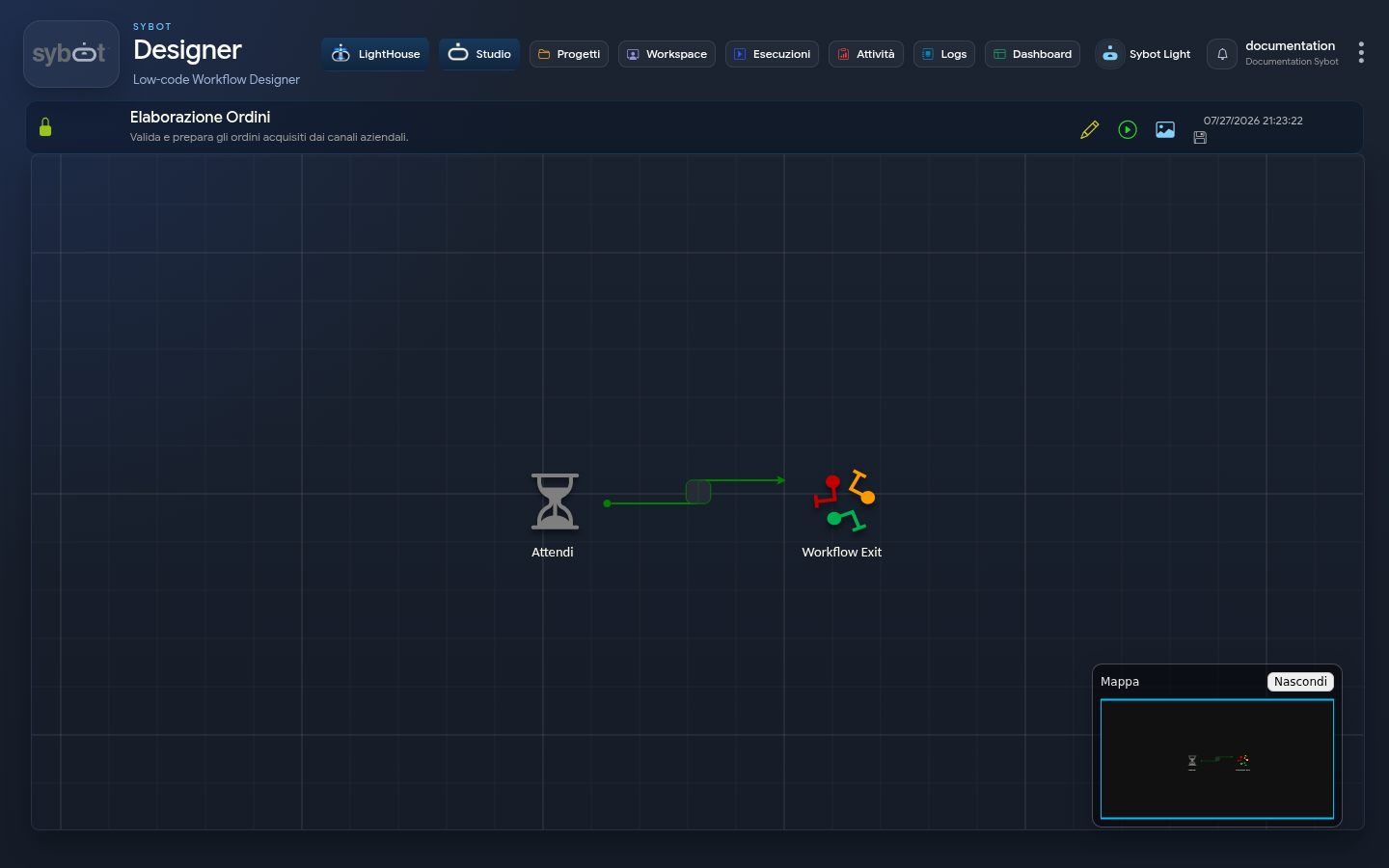
Before Starting
- Save the diagram.
- Check the validation indicators.
- Correct incomplete tasks and missing connections.
- Prepare non-sensitive input parameters.
- Verify that the test run does not produce unintended effects.
Starting
Select the execution command. If the workflow requires parameters, fill in the proposed window and confirm.
During the run, the Designer updates the status of nodes and makes compatible actions available, including interruption when appropriate.
Analyzing the Result
Upon completion, verify:
- overall status;
- completed, unexecuted, or failed tasks;
- produced parameters;
- path followed;
- error messages.
For a complete analysis, open Logs - Execution Explorer, where timelines, task details, and child workflows are available.
Diagnosis
If a test fails:
- identify the first failed task;
- read the message and non-sensitive parameters;
- check inputs and configuration;
- verify the exception path;
- correct one cause at a time;
- repeat the test.
Do not use production data to diagnose a problem that can be reproduced with a synthetic case.