Action on record
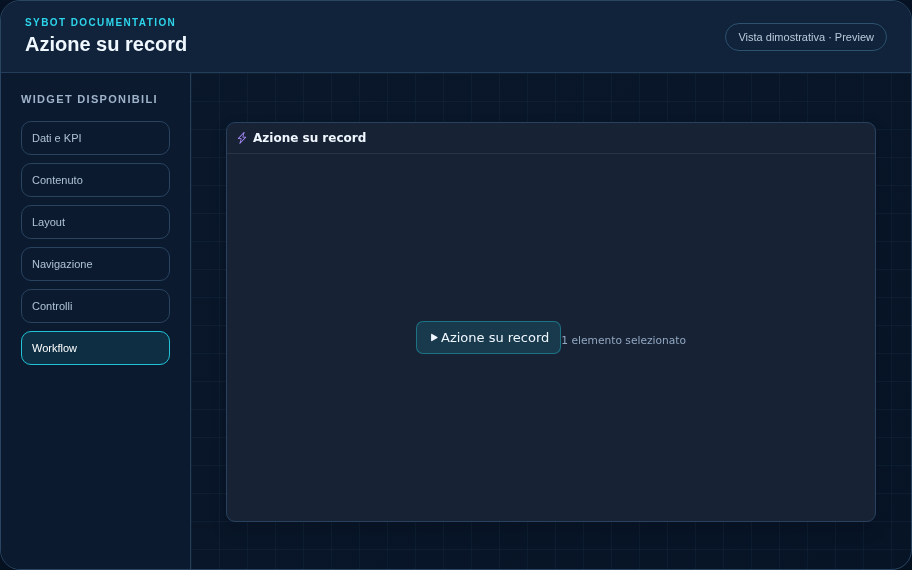
Start a workflow using the selected record as the context.
Recommended configuration
- Select the authorised workflow in the Content section.
- Resize the widget based on the operational detail you want to make available.
- Check behaviour in Preview; actual execution remains subject to view permissions.
Configuration options
| Area | Options |
|---|---|
| Workflow | Authorised workflow, command text and optional confirmation request. |
| Parameters | Required values from the user and mapping from prompt, default, formulas, filters, selection or literal values. |
| After start | Widget to update and context preservation during refresh. |
| Selection | Context name read from the widget and record keys passed to the Workflow. |
| Identity | Title, Subtitle, header visibility, type icon and action button. |
| Presentation | Standard, Compact or Dense variant and message to show when no data is available. |
| Appearance | Background, background image, border, radius, padding, shadow and typography for different areas. |
| Position | Coordinates and dimensions in cells on the page or container grid. |
Best practices
- The workflow must revalidate state, concurrency and domain rules.
tip
Always check the widget in Preview, in both light and dark themes, and with an empty data state before publishing the view.