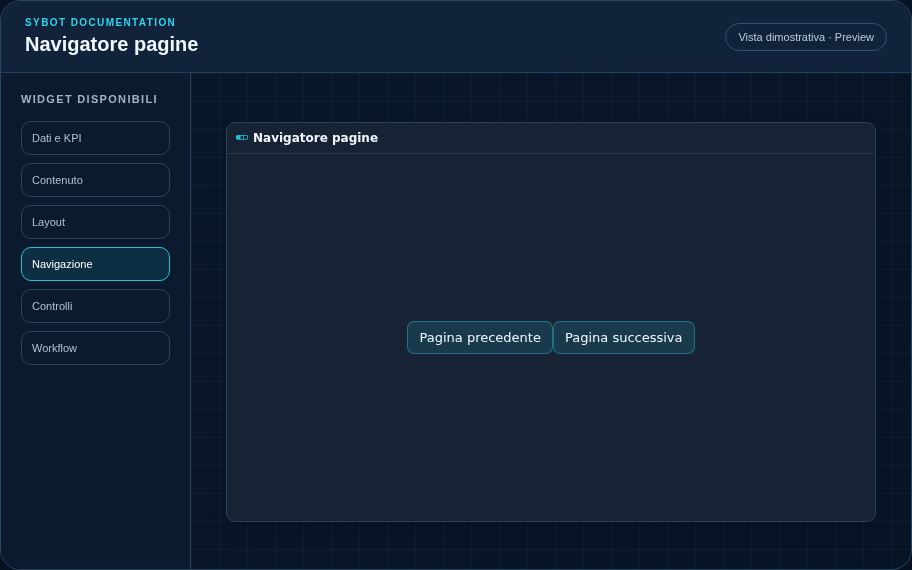
Page navigator
Allows navigation between pages within the same User View.
Recommended configuration
- Add and name the view's pages.
- Position the Page navigator in the layout.
- Verify that there is sufficient space for all items.
Configuration options
| Area | Options |
|---|---|
| Navigation | Labels and style of commands to move between pages of the same View. |
| Identity | Title, Subtitle, header visibility, type icon, and actions button. |
| Presentation | Standard, Compact, or Dense variant and message to display when no data is available. |
| Appearance | Background, background image, border, radius, padding, shadow, and typography of different areas. |
| Position | Coordinates and dimensions in cells within the page or container grid. |
Best practices
- The current page is managed automatically by the runtime.
tip
Always verify the widget in Preview, in both light and dark themes, and with an empty data state before publishing the View.