Sheets
Organises independent groups of widgets into page-local sheets.
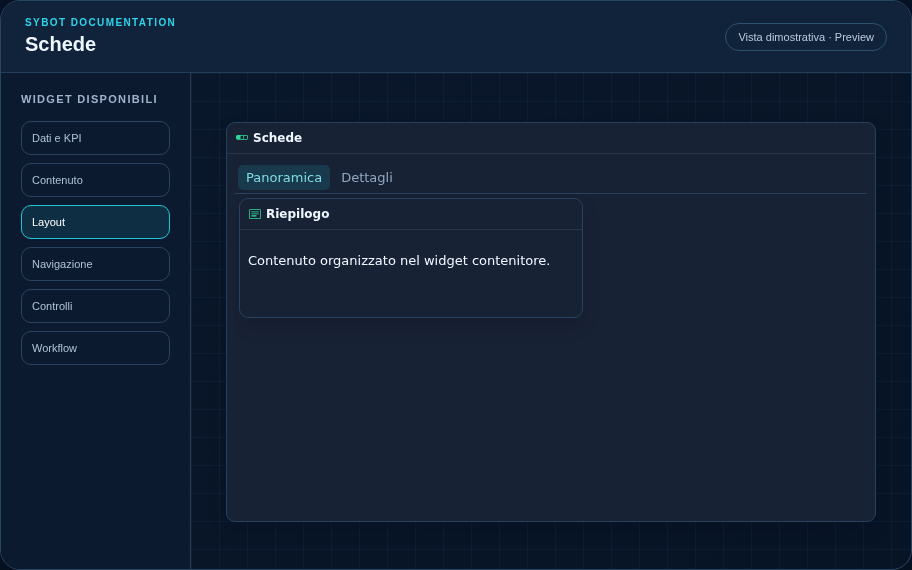
Recommended configuration
- Pre-configure the number and names of the sheets.
- Select a sheet in the canvas and assign the desired widgets to it.
- Choose the initial sheet and verify the sheet switch in Preview.
Configuration options
| Area | Options |
|---|---|
| Container | Child widgets, internal grid, and optional grid visibility in the published view. |
| Sheets | Name, order, assigned widgets, and initial sheet. |
| Identity | Title, Subtitle, header visibility, type icon, and actions button. |
| Presentation | Standard, Compact, or Dense variant and message to show when no data is available. |
| Appearance | Background, background image, border, radius, padding, shadow, and typography for different areas. |
| Position | Coordinates and dimensions in cells within the page or container grid. |
Best practices
- Each sheet has access to the entire internal grid of the container.
- A widget can belong to only one sheet.
tip
Always verify the widget in Preview, in both light and dark themes, and with an empty data state before publishing the view.