Panel
Groups widgets into a container with an independent internal grid.
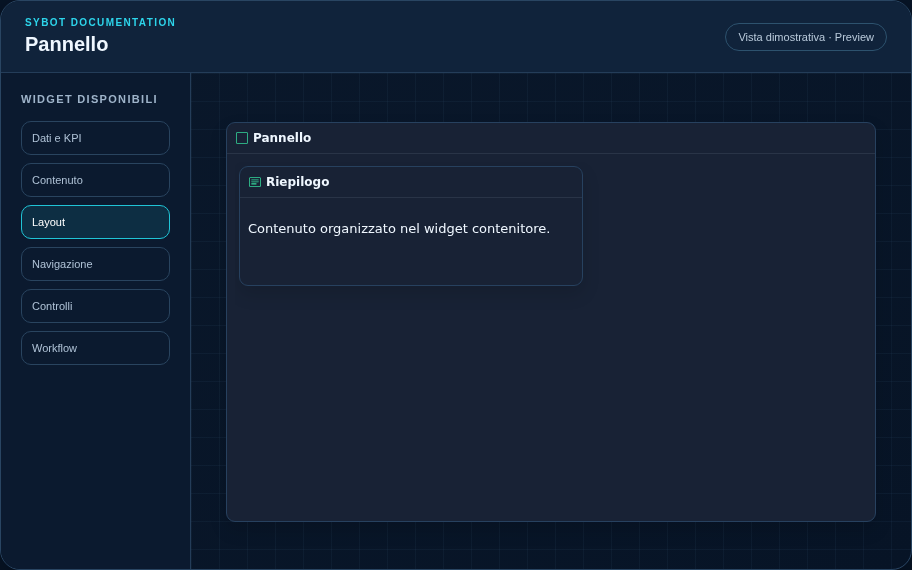
Recommended configuration
- Drag widgets into the Panel.
- Position and resize children on the internal grid.
- Decide whether to show the internal grid outside the Editor.
Configuration options
| Area | Options |
|---|---|
| Container | Child widgets, internal grid, and optional grid visibility in the published view. |
| Identity | Title, Subtitle, header visibility, type icon, and actions button. |
| Presentation | Standard, Compact, or Dense variant and message to show when no data is available. |
| Appearance | Background, background image, border, radius, padding, shadow, and typography for different areas. |
| Position | Coordinates and dimensions in cells on the page or container grid. |
Best practices
- Removing the Panel returns internal widgets to the main canvas.
tip
Always check the widget in Preview, in both light and dark themes, and with an empty data state before publishing the View.