Value Filter
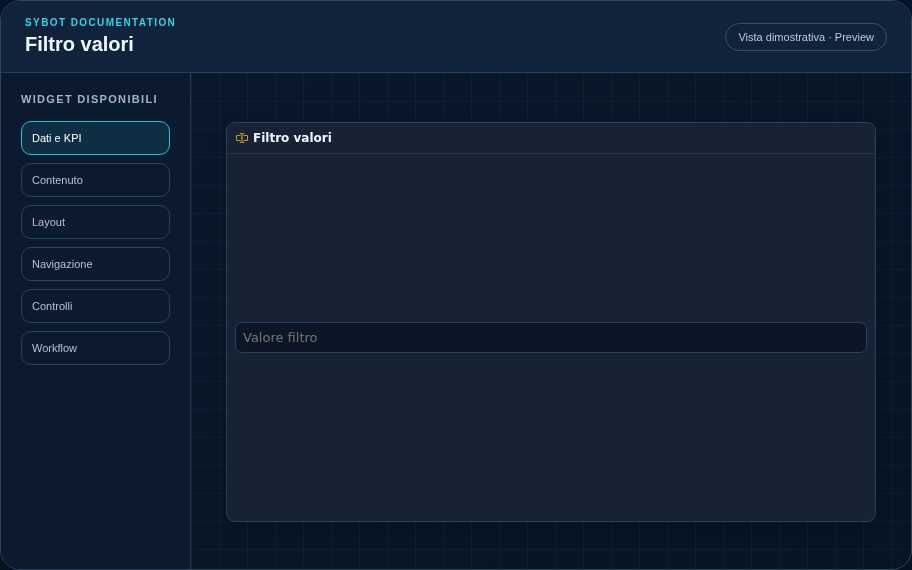
Send a free-form value to a parameter or a filterable column.
Recommended Configuration
- Choose the parameter or column to filter.
- Select the data widgets to apply the value to.
- Test insertion, editing, and deletion in Preview.
Configuration Options
| Area | Options |
|---|---|
| Filter | Parameter or column, target widgets, guidance text, and application delay during typing. |
| Identity | Title, Subtitle, header visibility, type icon, and actions button. |
| Presentation | Standard, Compact, or Dense variant and message to show when no data is available. |
| Appearance | Background, background image, border, radius, padding, shadow, and typography for different areas. |
| Position | Coordinates and dimensions in cells within the page or container grid. |
Best Practices
- Use a name and label that are clear and understandable in relation to the requested data.
tip
Always verify the widget in Preview, in both light and dark themes, and with an empty data state before publishing the View.