Custom widget
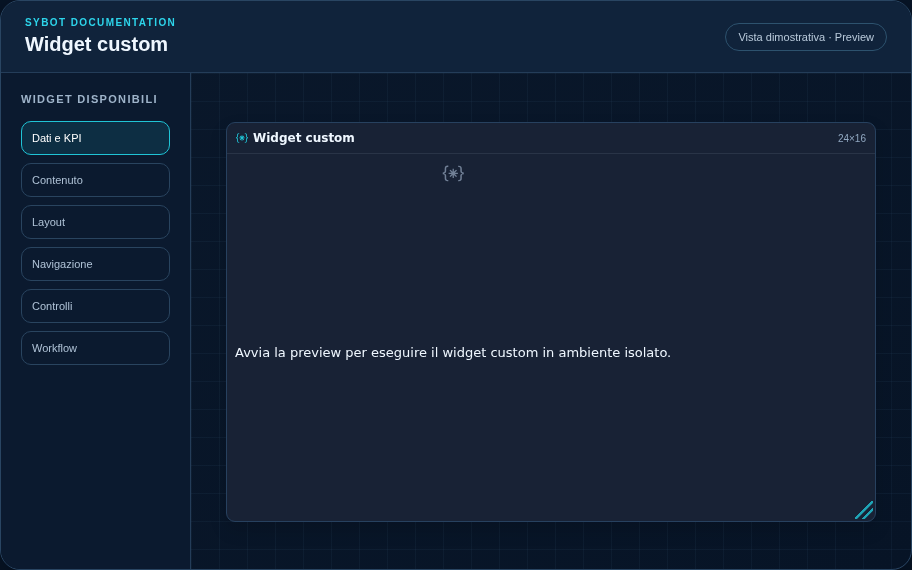
Executes HTML, CSS, and JavaScript in an iframe isolated from the DOM and the Sybot session.
note
The Custom widget appears in the catalog only when this capability has been enabled by the platform administrator.
Recommended configuration
- Open the code editor and configure HTML, CSS, JavaScript, and PDF fallback separately.
- Optionally associate a data source and use the Sybot SDK exclusively for data and events.
- Run the isolated preview, verify light/dark theme, and publish as owner.
Configuration options
| Area | Options |
|---|---|
| Code | Separate editors for HTML, CSS, JavaScript, and the fallback used in PDF export. |
| Data and filters | Optional source, Sybot SDK, controlled filter emission, and target widgets. |
| Preview | Isolated execution, light/dark theme verification, and promotion to the custom widgets catalog. |
| Identity | Title, Subtitle, header visibility, type icon, and actions button. |
| Presentation | Standard, Compact, or Dense variant and message to show when no data is available. |
| Appearance | Background, background image, border, radius, padding, shadow, and typography for different areas. |
| Position | Coordinates and dimensions in cells within the page or container grid. |
Best practices
- The runtime does not allow external network access, access to the parent, cookies, or direct Sybot APIs. Published code is inspectable by the browser.
tip
Always verify the widget in Preview, in both light and dark themes, and with an empty data state before publishing the View.