Section Title
Inserts a title or semantic separator between areas of the page.
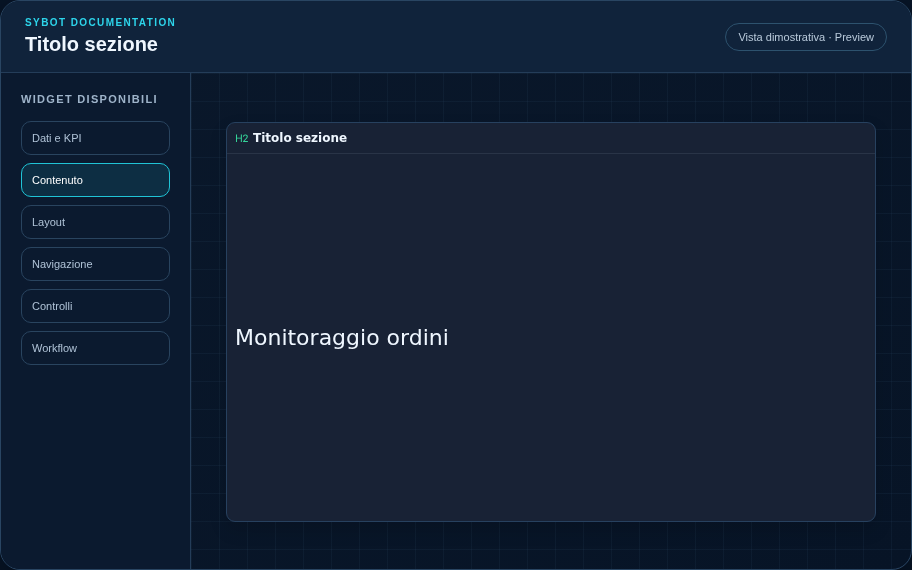
Recommended Configuration
- Enter the title in the Content section.
- Choose the font, size, weight, and colour.
- Position the title above the widgets it refers to.
Configuration Options
| Area | Options |
|---|---|
| Content | Title text and typography used to build the visual hierarchy of the page. |
| Identity | Title, Subtitle, header visibility, icon type, and actions button. |
| Presentation | Standard, Compact, or Dense variant and message to show when no data is available. |
| Appearance | Background, background image, border, radius, padding, shadow, and typography for different areas. |
| Position | Coordinates and dimensions in cells within the page or container grid. |
Best Practices
- Maintain a consistent visual hierarchy between view titles.
tip
Always verify the widget in Preview, in both light and dark themes, and with an empty data state before publishing the View.