Safe HTML
Inserts sanitised HTML without executing free JavaScript or CSS.
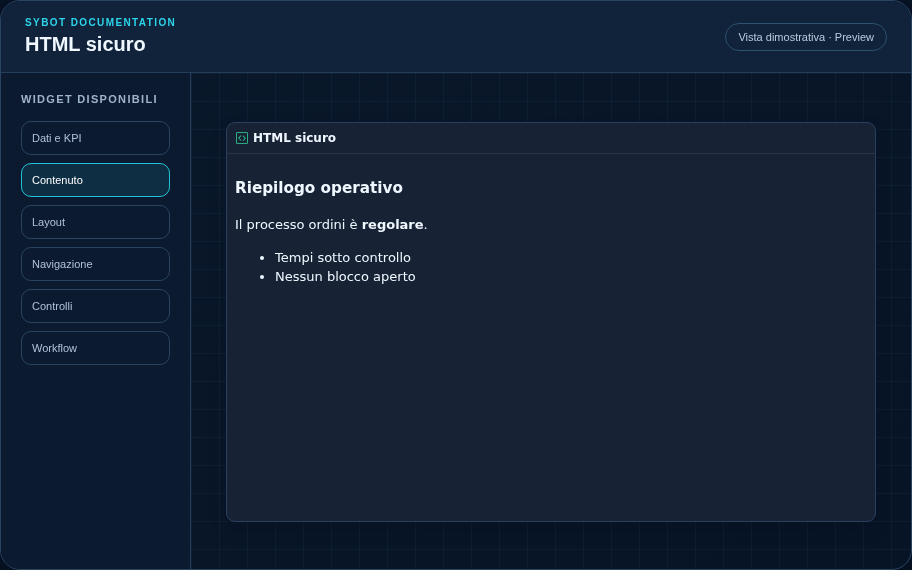
Recommended configuration
- Open the HTML editor from the Content section.
- Use semantic elements and internal links to Sybot.
- Check the result in the Editor, Preview and PDF export.
Configuration options
| Area | Options |
|---|---|
| Content | Controlled HTML; disallowed elements and attributes are automatically removed. |
| Identity | Title, Subtitle, heading visibility, type icon and action button. |
| Presentation | Standard, Compact or Dense variant and message to show when no data is available. |
| Appearance | Background, background image, border, radius, padding, shadow and typography for different areas. |
| Position | Coordinates and dimensions in grid cells on the page or container. |
Best practices
- Scripts, event handlers, forms, external URLs, classes and dangerous attributes are removed.
tip
Always verify the widget in Preview, in both light and dark themes, and with an empty data state before publishing the view.