Table Structure
Table Structure defines product fields or fields used by tasks that transform tabular data. It allows you to maintain consistent names, values, and types when moving between sources and destinations.
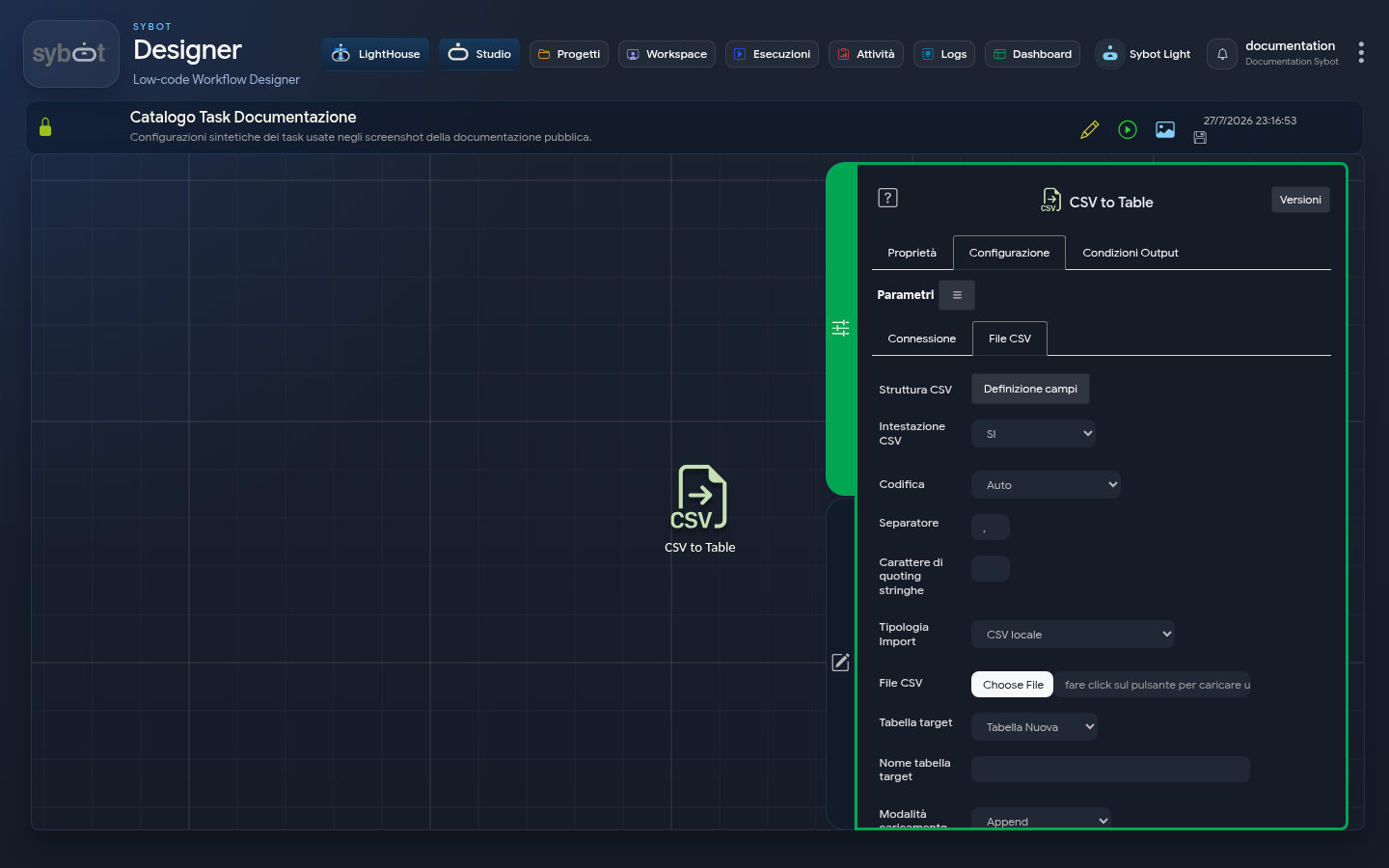
Where to configure
The structure is available in the Configuration tab of compatible tasks, including:
The options shown depend on the task and the selected mode.
Define fields
Select Field Definition and add the necessary rows. For each field, the following may be required:
- column name or alias;
- expression or reference to the source value;
- data type;
- precision or format;
- ability to accept null values.
The order of rows determines the order of the resulting structure when the task requires it.
In the CSV to Table task, Size is editable only for the STRING type, while Format is editable only for the DATE type. Editable fields are identified by a contrasting box and focus highlight; a field that is not applicable remains visible with the “Not applicable” indication, but appears dimmed and cannot be edited.
Use a saved structure
When the task interface allows it, a structure can be:
- saved with a recognisable name;
- recalled in another configuration;
- exported to be stored or transferred;
- imported from a prepared file.
Visible structures may depend on the user and permissions. After an import, always verify fields, types, and order before saving the task.
Recommended checks
- Check that every source field exists.
- Use unique and understandable aliases.
- Verify compatibility between type and value.
- Explicitly handle optional fields and null values.
- Test the task with a non-sensitive sample.
- Check the output before connecting it to a subsequent task.
Table Structure describes a functional mapping configured by the user. The internal technical details with which Sybot stores it are not necessary for using the platform.