Semantic Models
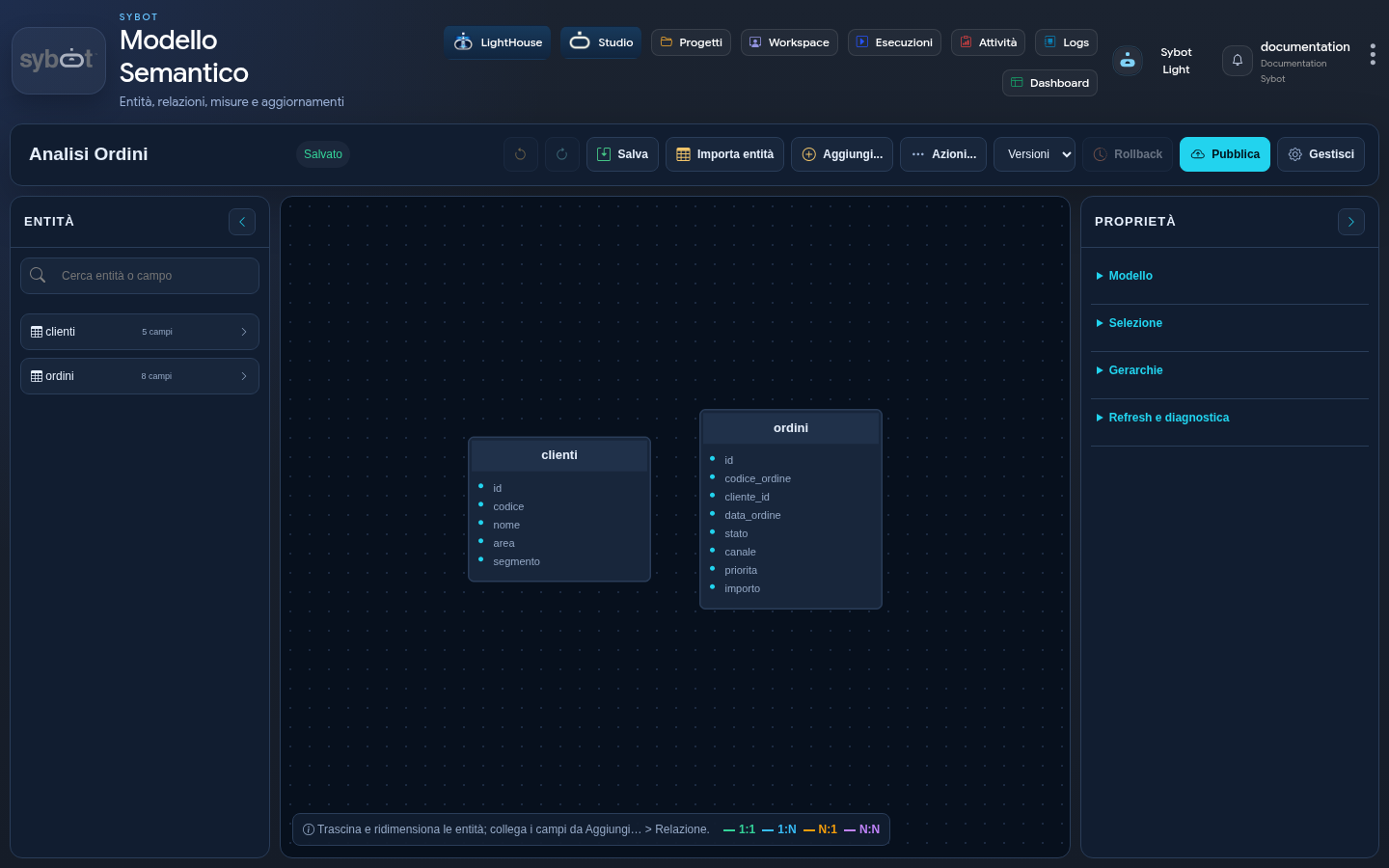
A Semantic Model organises data from one or more entities into a structure that is understandable and reusable by User Views and Workflows.
The model defines:
- entities and fields;
- dimensions and measures;
- formulas;
- relationships;
- hierarchies;
- calendars;
- access and update modes.
This feature must be enabled by the platform administrator.
Model modes
Import
The Import mode acquires data via a model refresh. It is indicated when you want to control when a new generation of data becomes available.
It supports full or incremental updates and schedules.
Live
The Live mode queries authorised sources when the model is used. It is indicated when current data needs to be read and the source is suitable for this type of usage.
A Live model can be converted to Import. After saving, it cannot revert to Live mode.
Create a model
- Open Designer Workbench.
- Select Create and then Semantic Model.
- Enter the name and description.
- Choose Import or Live.
- Select at least one project.
- Select at least one role.
- Select Create and open Editor: the editor opens in an internal tab.
Lifecycle
The model is created as a draft. The recommended path is:
- configure connections and entities;
- model fields, measures and relationships;
- run the previews;
- save;
- publish a version;
- for an Import model, run the first refresh;
- link it to authorised User Views.
A change to the draft does not automatically change the version used by the views.
Access and scope
A Semantic Model requires at least one project and one role. Specific shares distinguish view, edit and properties.
Actual access depends simultaneously on:
- projects;
- roles;
- shares;
- permissions on the connections used.
Documentation path
Expected outcome
A ready-to-use model is published, passes the expected previews and makes available to User Views only fields, measures and hierarchies intentionally exposed.