Tutorial
The Tutorial voice initiates the contextual guide for the current page.
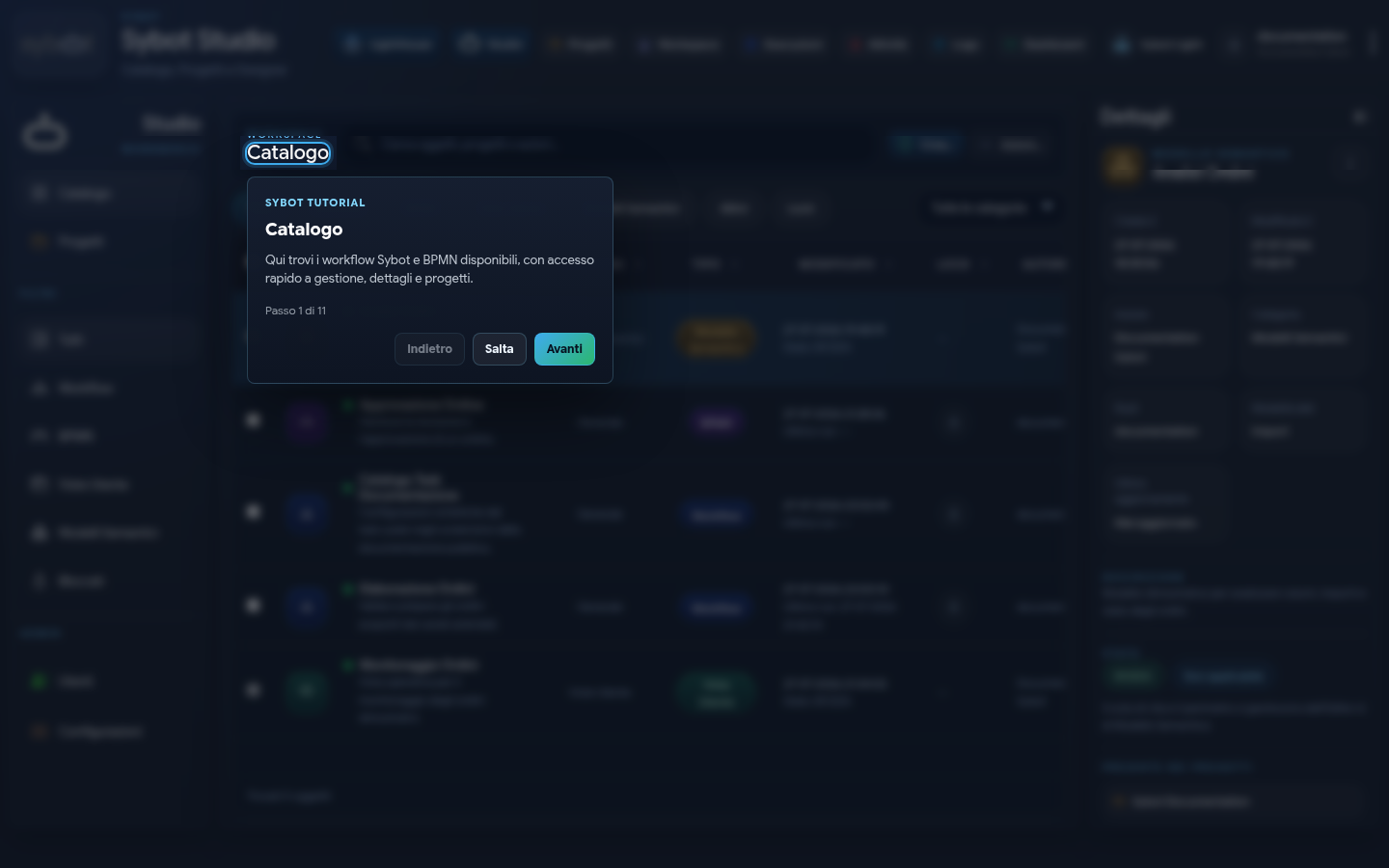
Each step highlights an interface element and describes its purpose. The available commands are:
- Next and Back to navigate between steps;
- Skip to close the guide;
- any contextual actions shown on the page.
Tutorial content changes depending on the area opened. It can be restarted from the menu whenever needed.