Profile
The Profile item opens the current user's information and preferences. The page is divided into Personal Details, Change Password and Roles and Profiles.
Personal Details
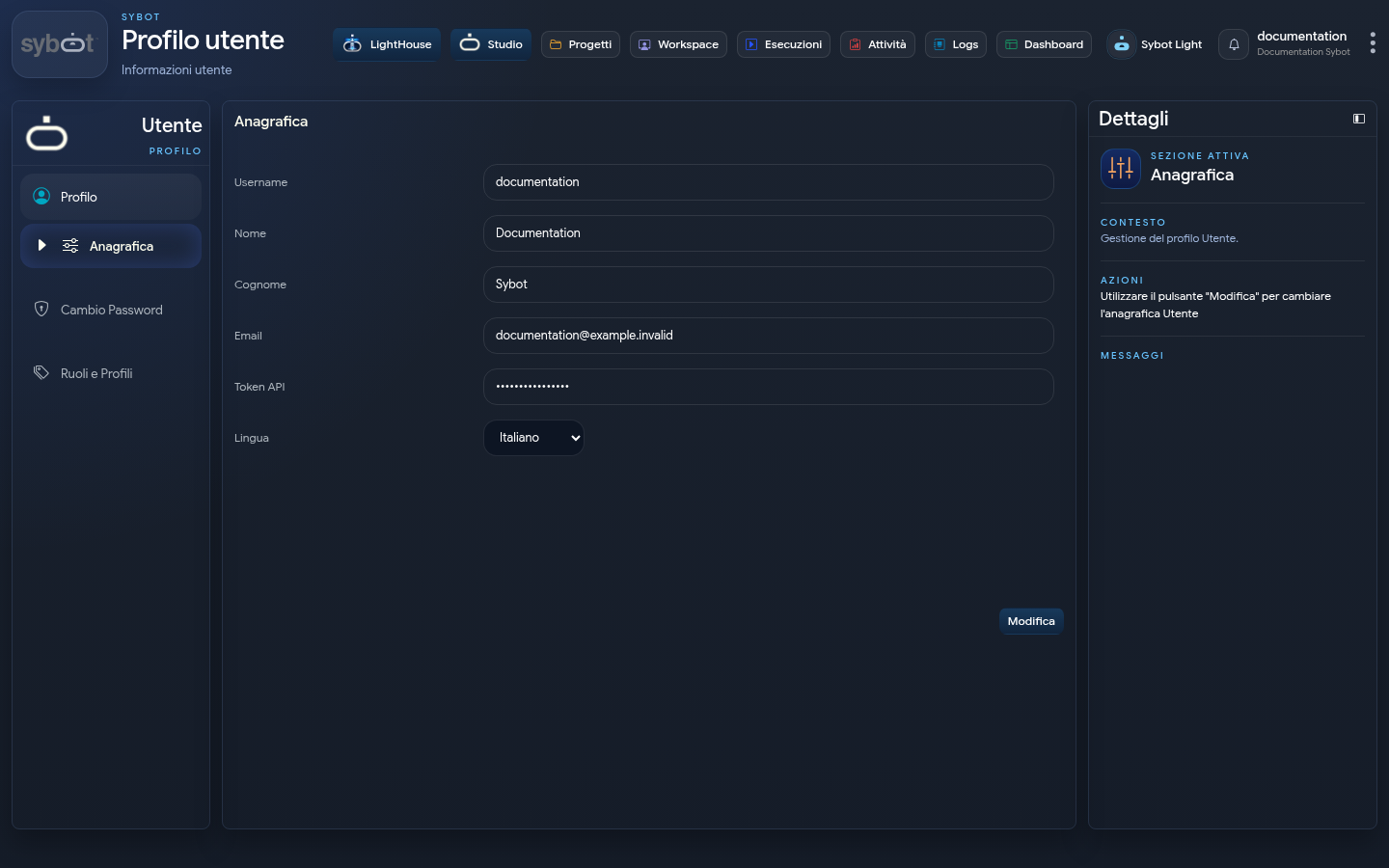
The section displays username, name, surname, email, API token and language. Select Edit to enable the allowed fields, then Save or Cancel.
The API token is a personal secret. Do not copy it into documents, messages or screenshots. The image on this page uses a masked value.
Change Password
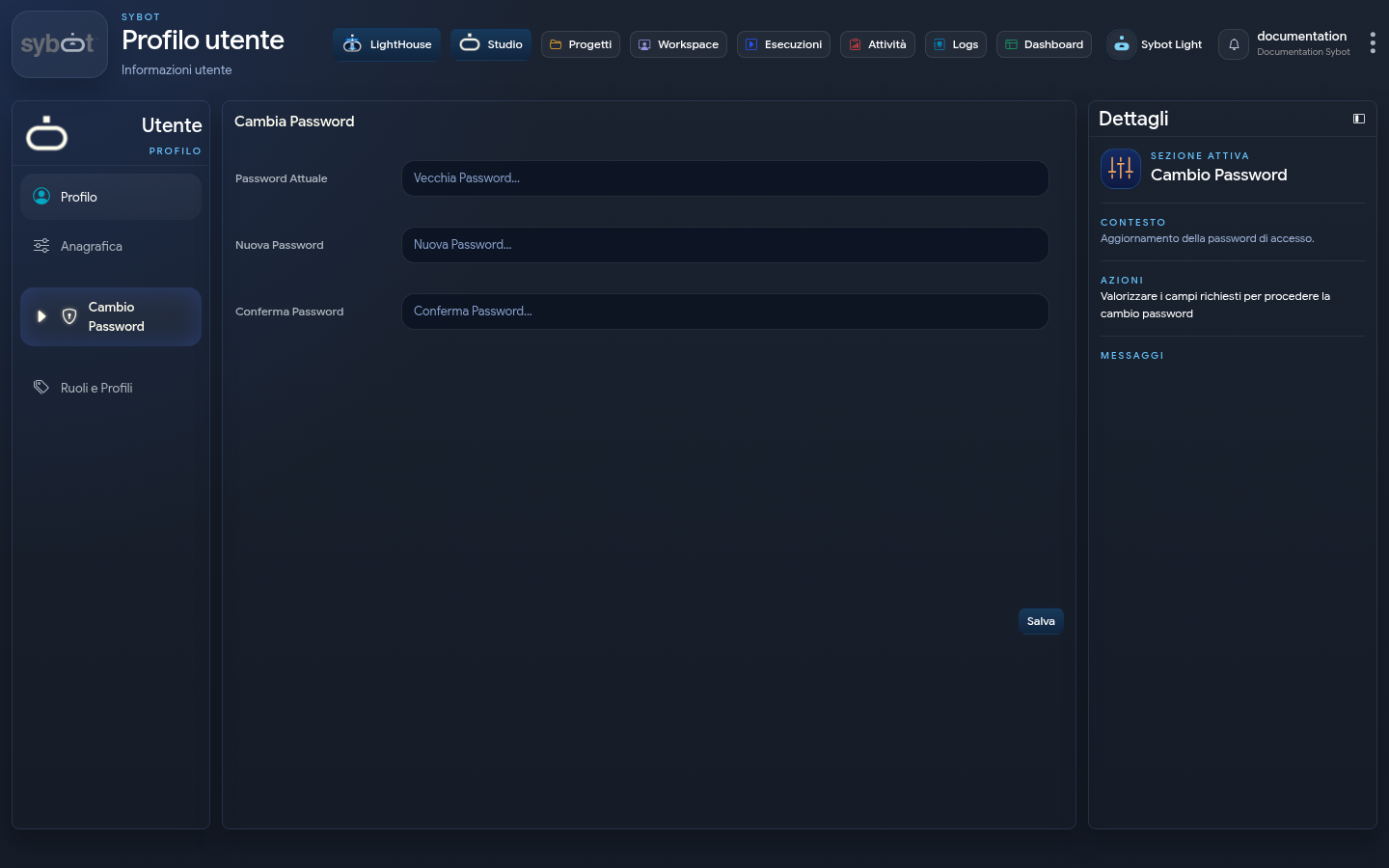
Fill in:
- current password;
- new password;
- confirmation of the new password.
The confirmation must match the new password. After saving, check the message shown in the Details panel.
Roles and Profiles
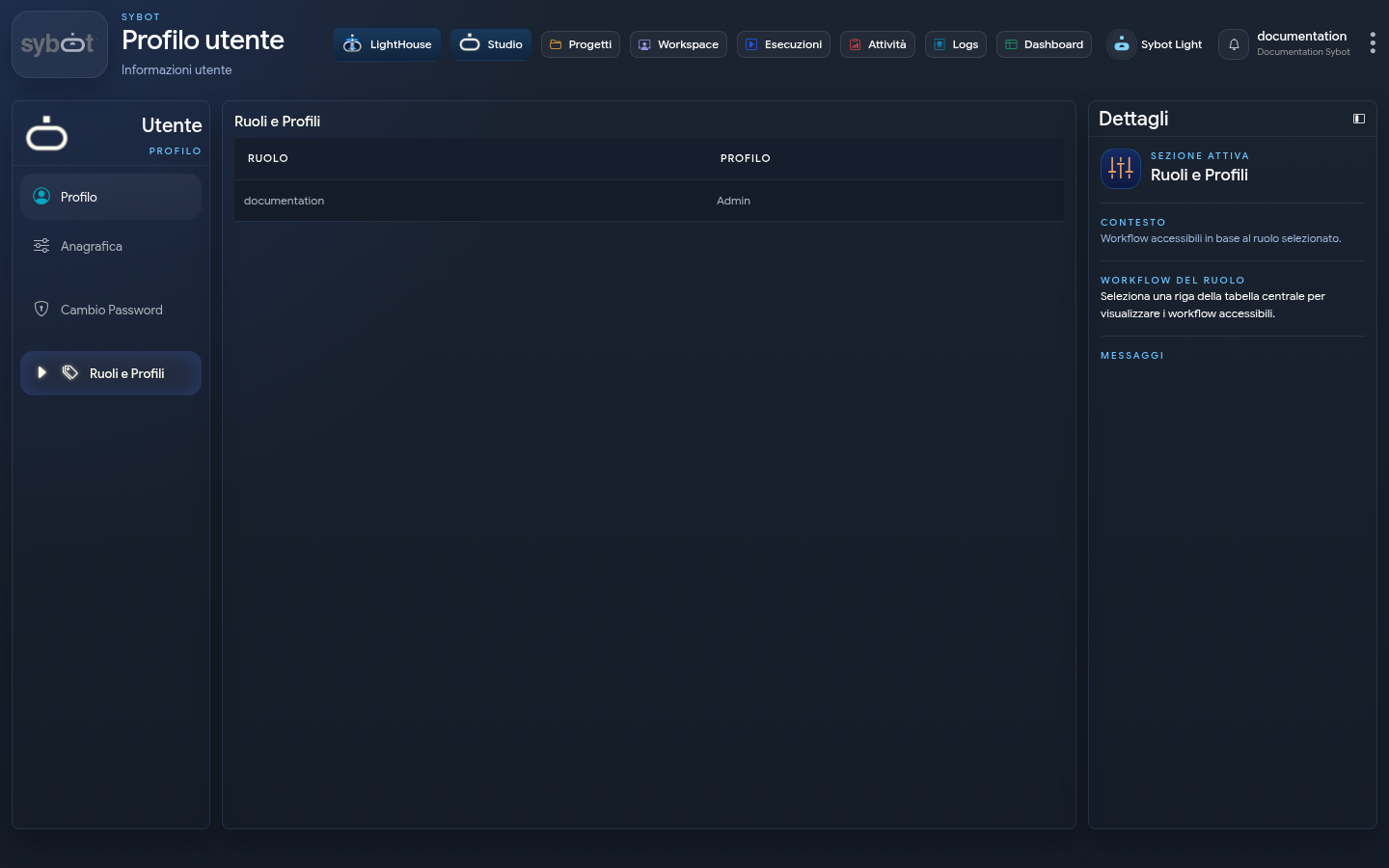
The table summarises the available associations for the user. By selecting a role, the Details panel shows the context and accessible workflows when applicable.
This section is informational: to modify assignments and authorisations, contact an administrator or use User Management if authorised.