User menu
The user menu opens by selecting the three vertical dots at the top right, next to the user's name.
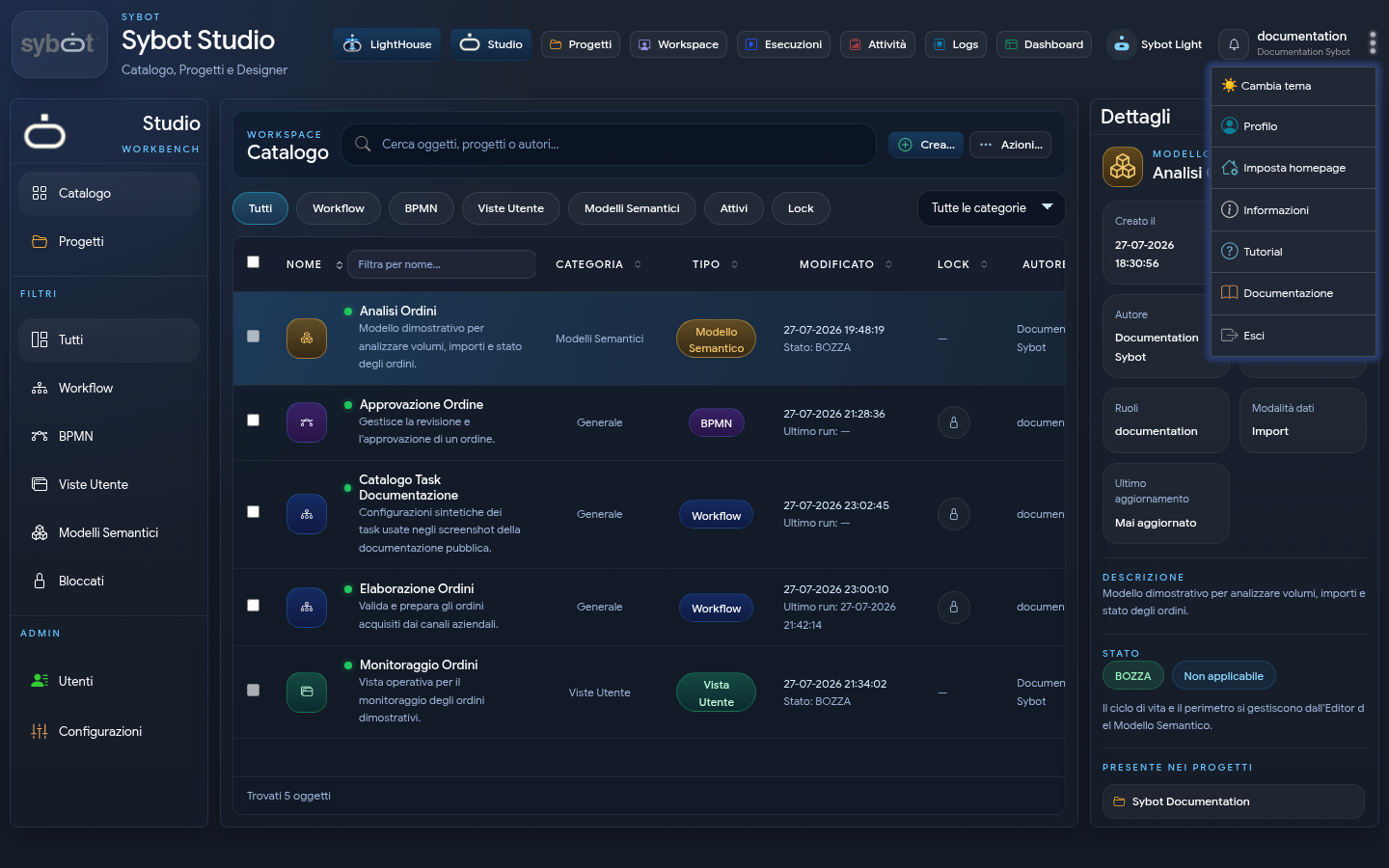
The main options are:
- Change theme;
- Profile;
- Set homepage;
- About;
- Tutorial;
- Documentation;
- Sign out.
The available preferences may depend on the enabled modules and the user's permissions.