Statistics
The Statistics section is accessible from Studio, in the Admin area of the sidebar, when the profile has the necessary permissions.
The interface offers two views: Users and Workflow.
User Statistics
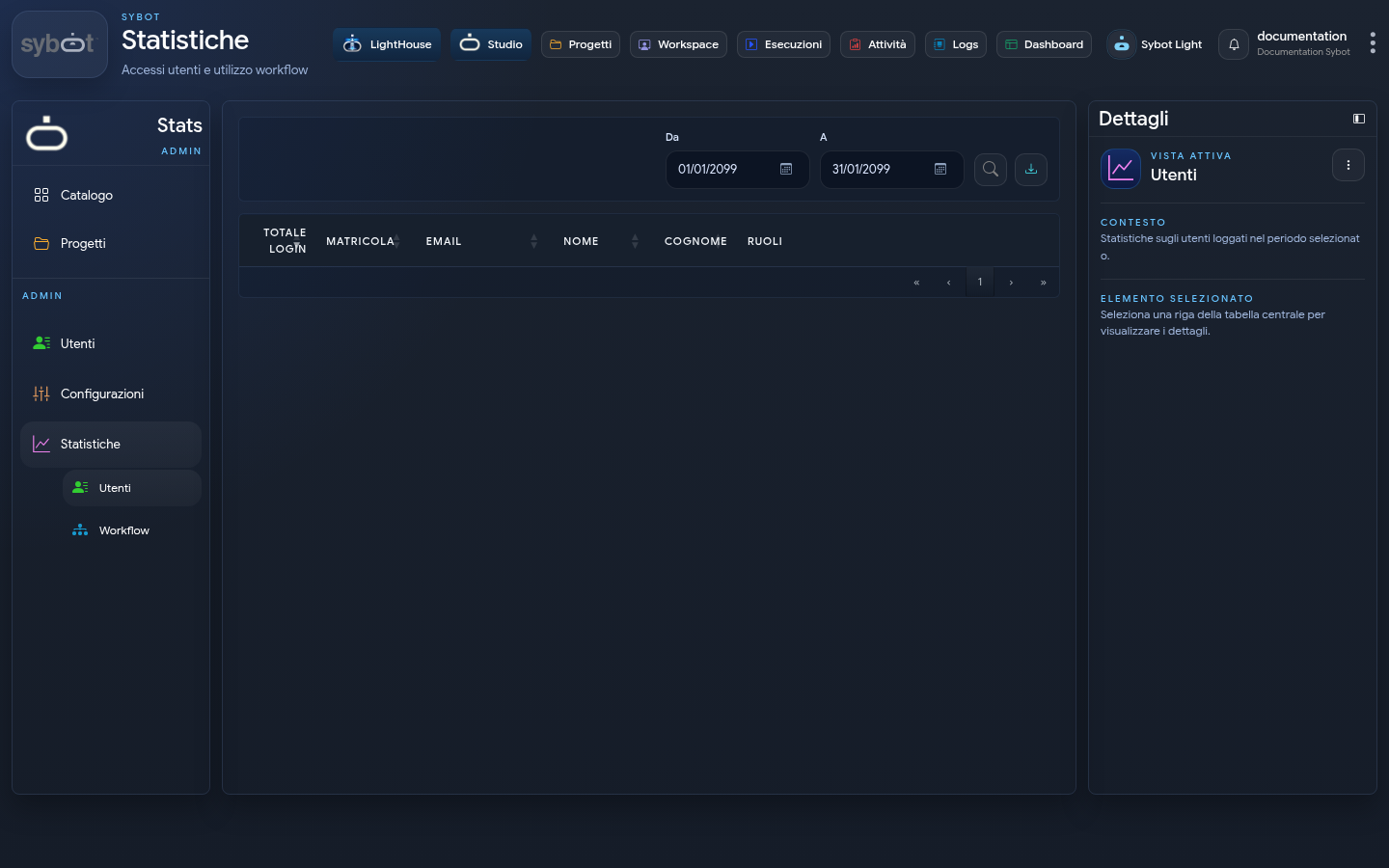
The view summarises accesses in the selected period. Set the From and To dates, then start the search.
Results may include:
- total number of accesses;
- user identifier;
- demographic data;
- associated roles.
Workflow Statistics
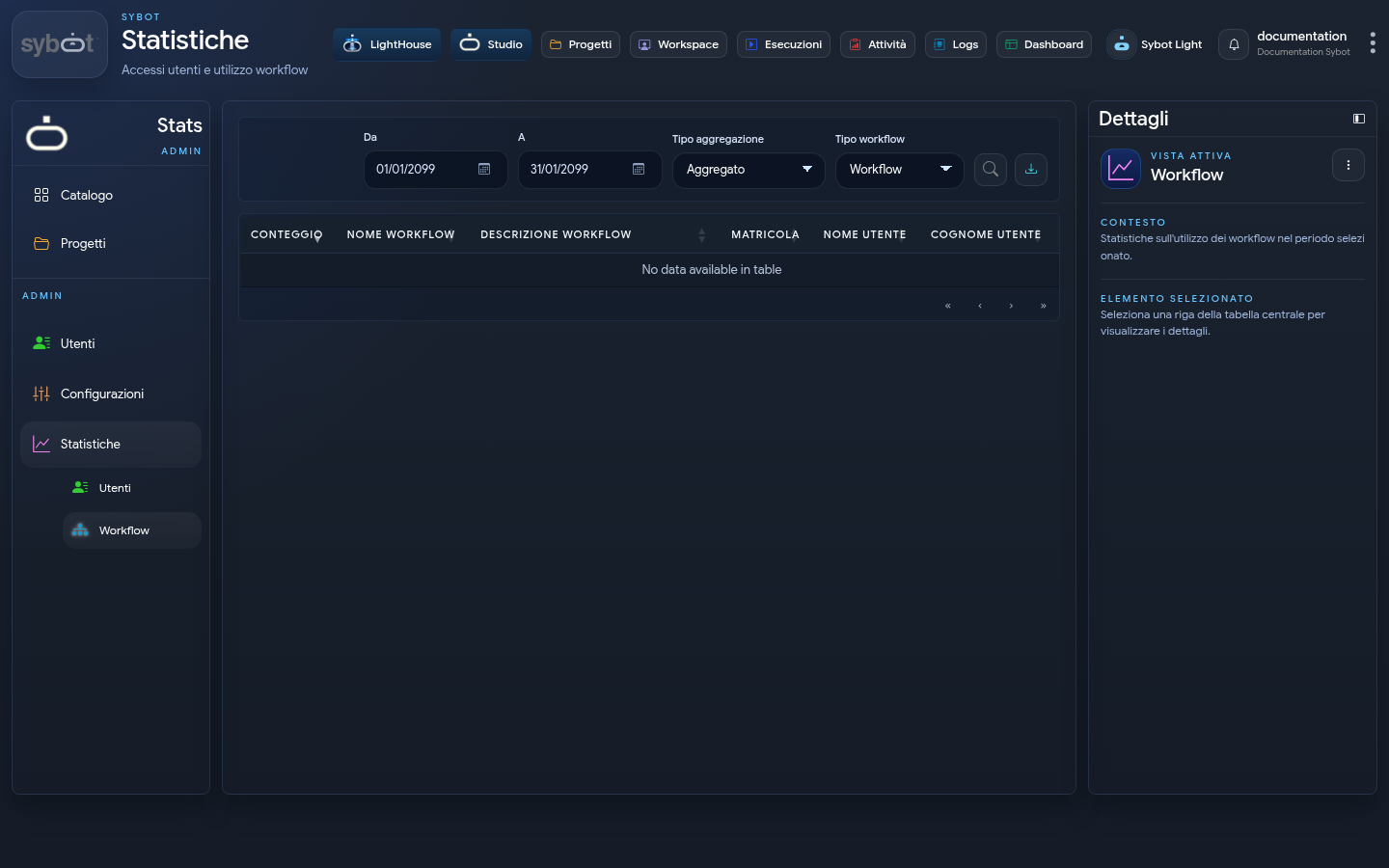
The view analyses workflow usage in the selected period. The following are available:
- time filter;
- aggregation type;
- workflow type;
- search;
- view export.
In Aggregated mode, executions are grouped. In Non-aggregated mode, individual events are shown with the details provided by the interface.
Export
The export action downloads the data of the current view. Before sharing the file, verify that recipients and channel are authorised: results may contain information about users and activities.
Relationship with Executions and Logs
- use Statistics for quantitative analysis over a period;
- use Executions for the operational status of workflows;
- use Logs to analyse a specific execution and its related tasks.