Low-code workflows
Design automations with configurable tasks, conditions, variables, loops, parallelism and error handling.
Design low-code workflows, model BPMN processes, create operational experiences and turn data into usable knowledge.
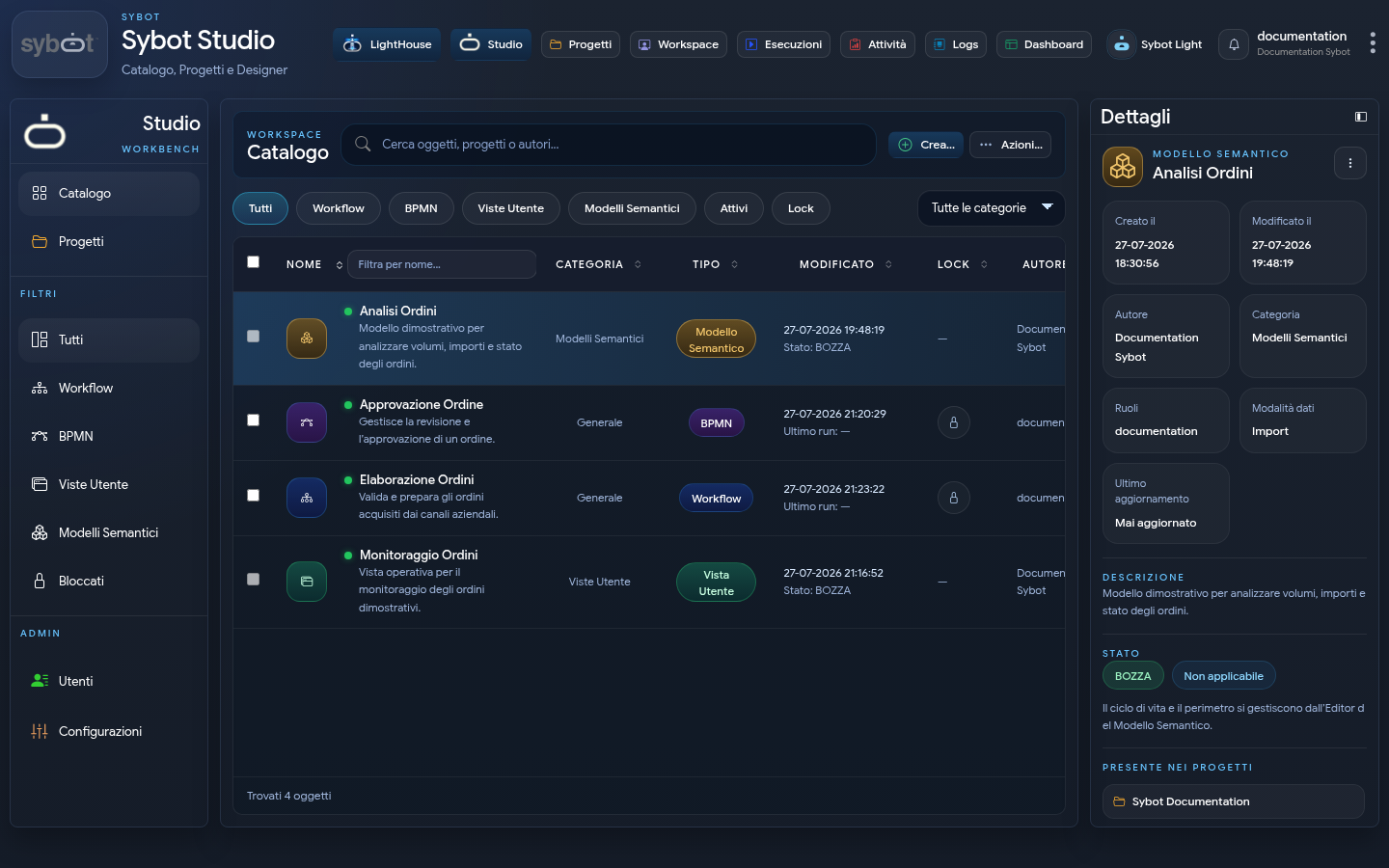
Sybot supports the entire work cycle: organises objects in the Studio, orchestrates automatic and human activities, integrates systems and data, publishes tools for users and makes executions and results observable.
Design automations with configurable tasks, conditions, variables, loops, parallelism and error handling.
Model collaborative processes with the BPMN designer and organise definitions alongside other Studio objects.
Connect APIs, databases, files and remote systems; acquire, transform and distribute information in reusable flows.
Create operational interfaces and dashboards, publish them and make process results directly accessible.
Organise entities, relationships and measures for queries, quality checks and governed updates.
Explore document knowledge, generate content, and receive contextual support from the integrated assistant.
Analyse Project context, design Sybot objects and apply verifiable multi-step plans after your approval.
Discover Sybot ForgeCompose and publish authenticated web portals using widgets, data, User Views, Workflows and custom HTML, CSS and JavaScript components.
Discover PortalsControl & Intelligence, ready when you are.
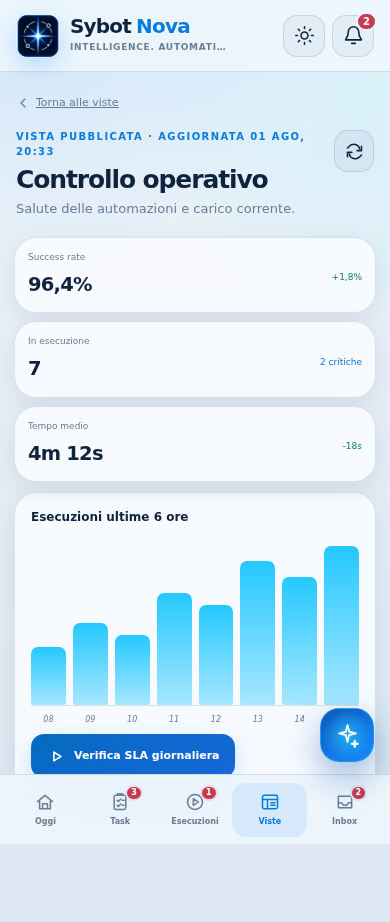
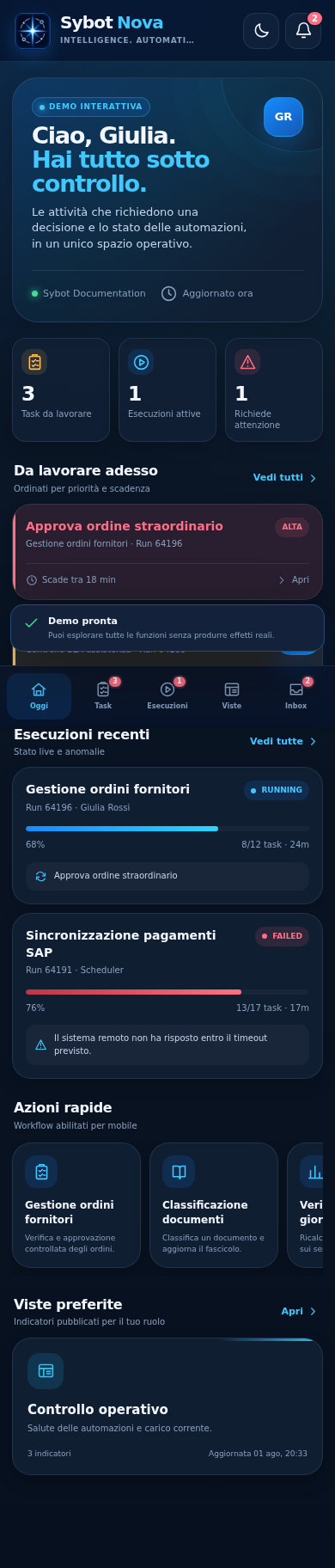
Nova brings to smartphones and tablets what is needed when work is on the move: Human Tasks, starting and monitoring Workflows, User Views, notifications and the contextual support of Sybot Light.
Start from Studio, move into the Designer and dive into every task with up-to-date screens and user-oriented procedures.