User Management
The User Management page is accessible from Studio in the Admin sidebar area. It is only visible to authorized profiles.
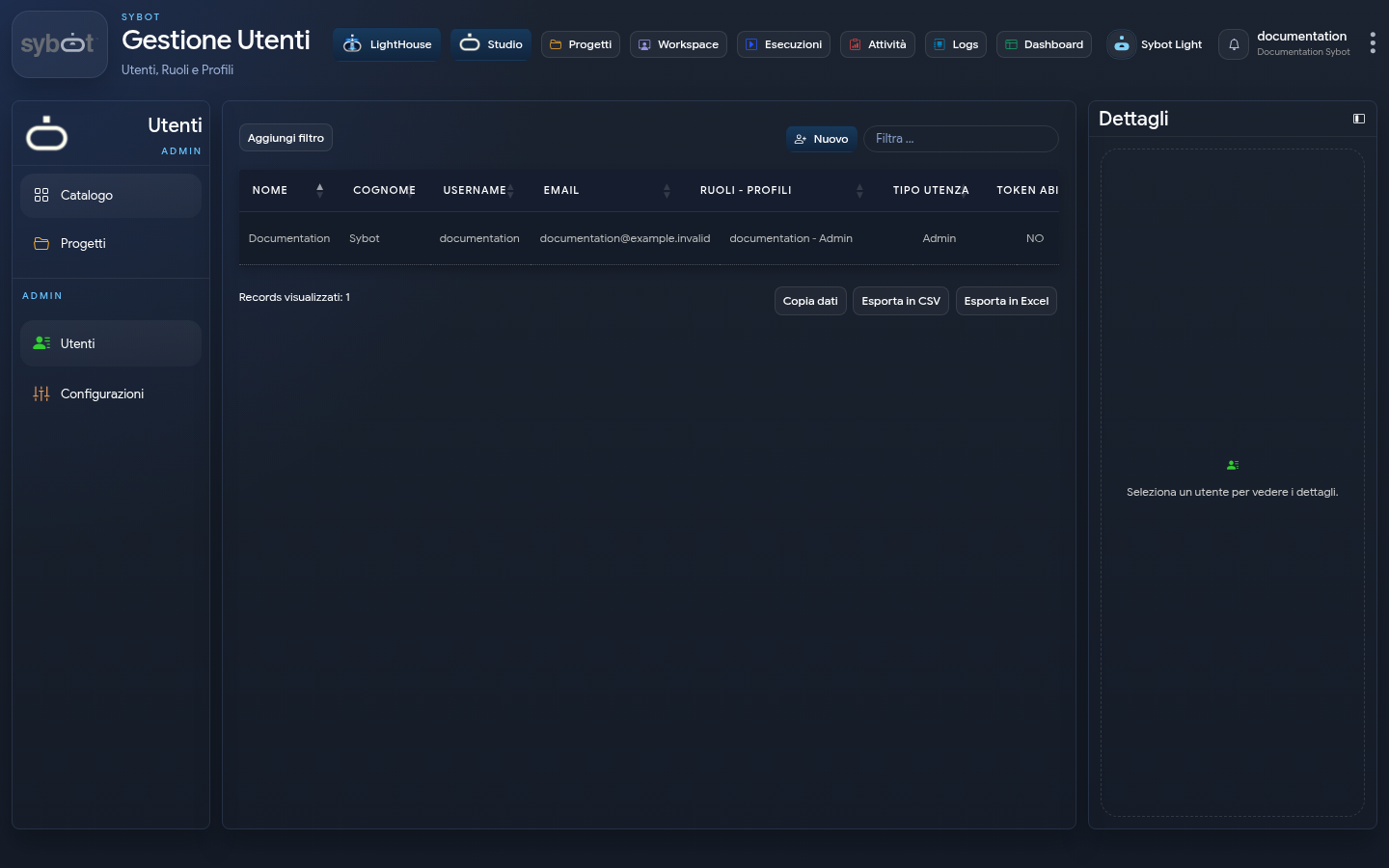
View Users
The central table displays:
- Name and surname;
- Username and email;
- Associations between roles and profiles;
- User type;
- User status and token enablement.
Filtering and sorting of the results is possible. Selecting a row, the Details panel summarizes the account; the menu with the three dots collects the available actions.
Create a User
Select New to open the registration.
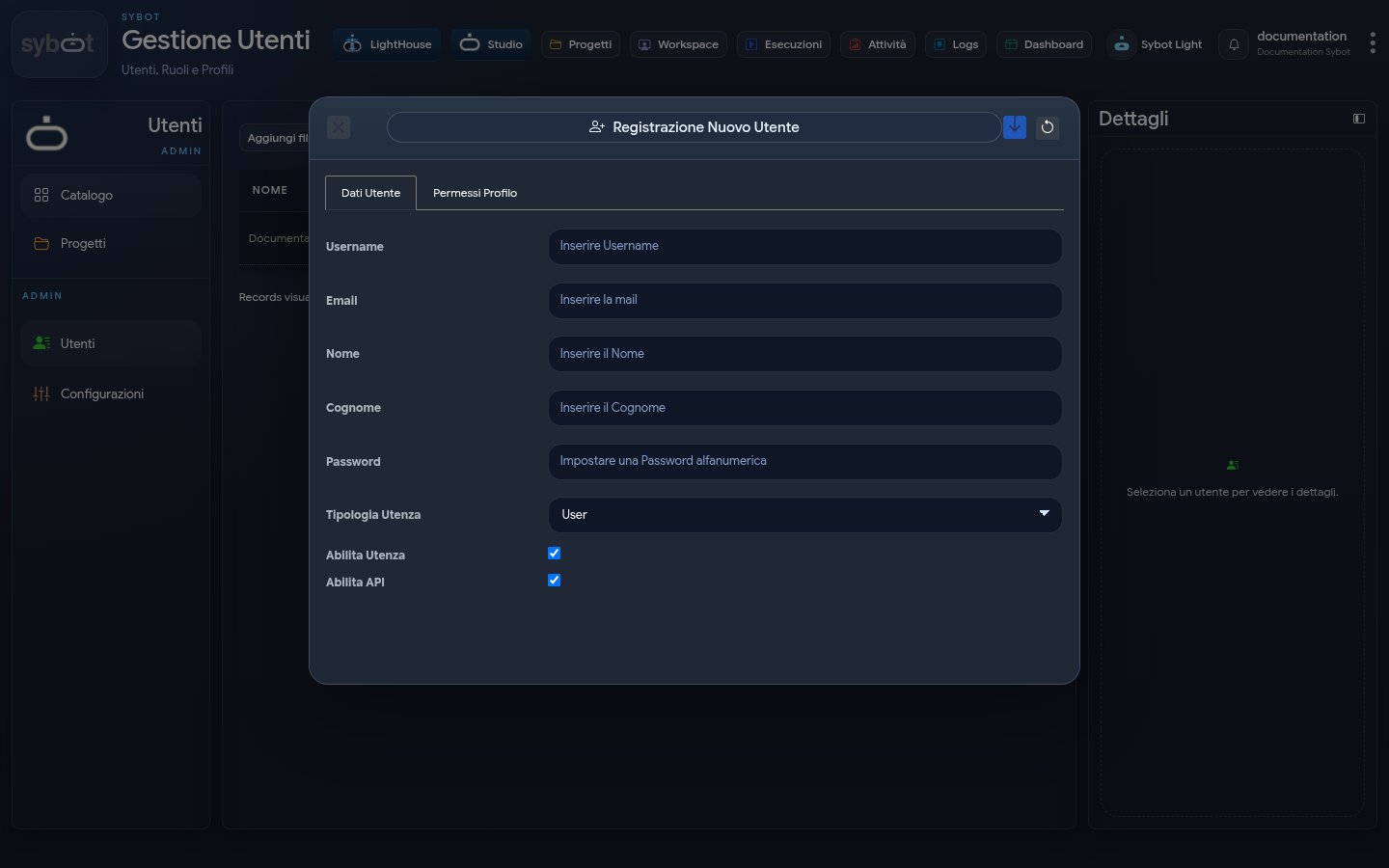
User Data
Fill in the required fields:
- Username;
- Email;
- Name and Surname;
- Initial Password;
- User Type;
- Enable User;
- Enable API, only when necessary.
Use correct data and a password that complies with the organization's rules. Do not share the initial password on unauthorized channels.
Profile Permissions
The Profile Permissions tab associates the available roles with the intended application profile. Assign only the necessary permissions for the user's activities.
The names and capabilities of the profiles depend on the configuration of the environment. Verify the rules defined by the administrator before saving.
Modify a User
From the row menu or the Details panel, you can:
- Modify details, type, and status;
- Update roles and profiles;
- Change the password;
- Delete the account, if permitted.
The API token is a confidential data: do not copy it into documentation, tickets or screenshots.
Disable or Delete
If access needs to be suspended, prefer disabling when it is necessary to preserve the account and associations. Before deleting, verify the objects and responsibilities still connected to the user.
User management affects access to the platform. Apply the principle of least privilege and always verify the identity of the selected account.